









Real-Time Sales Alerts & Notifications in CRM
Notify CRM Users Instantly via Email, Pop-Ups, and In-App Notifications with Alerts4Dynamics
Book Your Free Demo
What's Alerts4Dynamics?
Alerts4Dynamics is a powerful Dynamics 365 CRM alerts and notifications solution that helps organizations create, manage, automate, and schedule real-time alerts, reminders, announcements, and notifications within Microsoft Dynamics 365 CRM. Designed for both standard (OOB) and custom entities, it enables businesses to deliver timely updates based on record changes, business events, workflows, and predefined conditions.
With flexible alert rules, audience targeting, multilingual support, and multiple notification delivery channels, Alerts4Dynamics ensures that sales, customer service, operations, and management teams stay informed and take action at the right time. Users can receive notifications through in-app pop-ups, email alerts, announcement banners, and mobile push notifications without leaving Dynamics 365 CRM.
Recent Updates
New in 2026: Smarter Dynamics 365 CRM Alerts & Notification Management
Deliver real-time CRM alerts through pop-ups, form notifications, email alerts, announcement banners, and mobile notifications within Dynamics 365.
Personalize notifications with audience targeting, multilingual messaging, rich-text formatting, and user preferences.
Track notification history with searchable alerts, detailed logs, and scheduled email digests.
Automate alert delivery using business rules, workflows, events, and record-based triggers.
Information Vault
Benefits of using Alerts4Dynamics
Improve response times with real-time alerts for leads, opportunities, cases, approvals, and other critical CRM activities.
Keep business processes moving with automated notifications, reminders, and task alerts delivered at the right time.
Increase productivity and user adoption by ensuring users never miss important updates within Dynamics 365 CRM.
Support global teams with multilingual notifications and targeted alerts that improve communication and collaboration.
Supported On
Dynamics 365 CRM
Online | Dataverse
Features
Here’s How You Can Manage Real-Time Alerts in Dynamics 365 CRM
Multiple Alert Types for Dynamics 365 CRM Notifications
Alerts4Dynamics offers multiple notification types to help users stay informed and take timely action within Dynamics 365 CRM. Use Announcement Alerts to share important updates across teams, Record-Based Alerts to notify users of changes to specific CRM records, Rule-Based Alerts to automate notifications based on business conditions, and Event-Based Alerts to trigger alerts from CRM activities and events. With the flexibility to choose the right alert type for every scenario, organizations can improve communication, streamline processes, and ensure critical updates never go unnoticed.
Deliver Dynamics 365 CRM Notifications Through Multiple Channels
Alerts4Dynamics gives you the flexibility to deliver notifications through the channels that work best for your users. Display real-time alerts with pop-ups and form notifications within Dynamics 365 CRM or send email notifications to internal users and external contacts. With user preference settings, each user can choose how they receive alerts, helping ensure important updates are seen and acted upon quickly.
Assign Priority Levels to Critical Dynamics 365 CRM Notifications
Alerts4Dynamics allows you to classify notifications as Information, Warning, or Critical based on their importance. This makes it easier for users to identify urgent updates, prioritize actions, and respond quickly to important CRM activities. With clear notification prioritization, teams can improve response times and ensure critical business events never go unnoticed.
More Features
Post Notifications on Dynamics 365 Records
Tag users directly on Dynamics 365 records to share important updates and ensure critical information gets noticed.
Scheduled Email Digest Notifications
Receive personalized daily, weekly, or monthly email digests summarizing important Dynamics 365 notifications and CRM activities.
Target Notifications to Specific Users
Define exactly who should receive each alert and who should be excluded, ensuring precise targeting and maintaining data confidentiality.
Mobile Push Notifications for Dynamics 365
Get real-time push notifications on the Dynamics 365 mobile app. Stay updated, monitor activity & manage alerts on the go.
Search and Find Notifications Quickly
Quickly locate any announcement or notification using the search-enabled panel in Dynamics 365.
Snooze and Manage Notifications
Temporarily pause Dynamics 365 alerts with preset or custom snooze durations, keeping your panel clutter-free while ensuring you never miss critical messages.
Rich Text Notifications
Create visually engaging alerts with rich text, images, and embedded links, delivering clearer and more interactive notifications.
User Notification Preferences
Allow users to control how they receive alerts - via pop-ups or email - aligning with their personal work styles for better engagement.
Multilingual Notifications
Create notifications in multiple languages and automatically display them based on users' Dynamics 365 language settings.
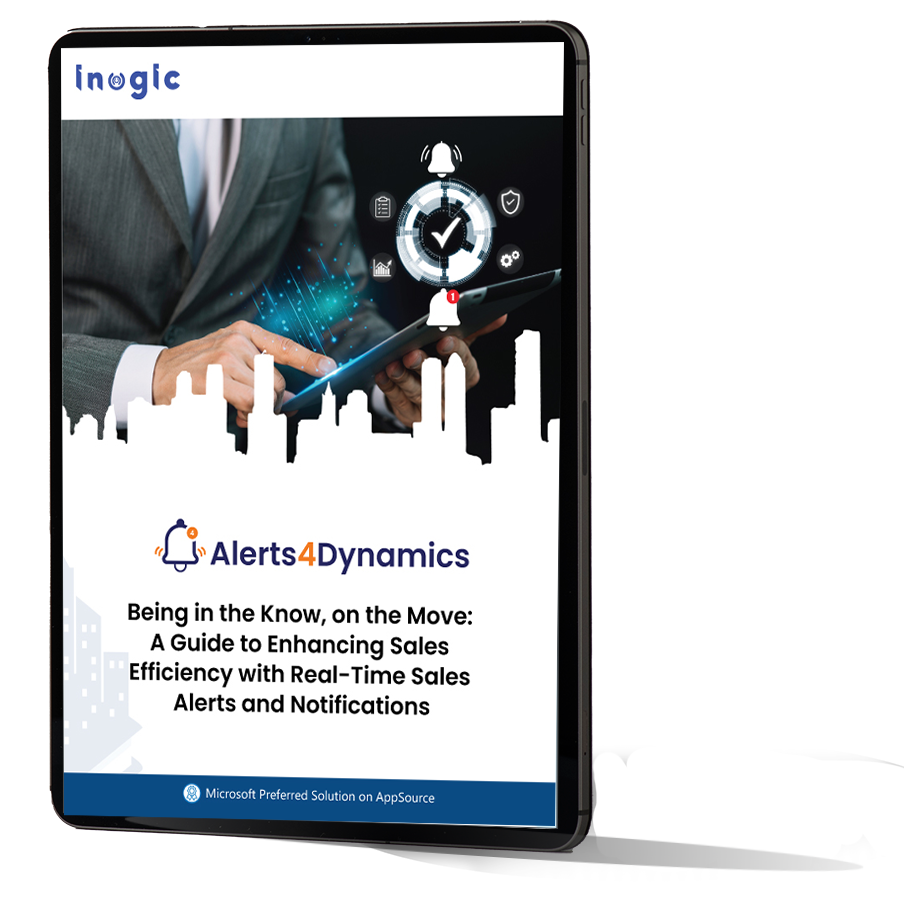
A Guide to Enhancing Sales Efficiency with Real-Time Sales Alerts in Microsoft Dynamics 365 CRM
testimonials
What Our Customers Are Saying?
Our Blogs
The Ultimate Guide to Setting Up Alerts & Notifications in Dynamics 365 CRM
Alerts4Dynamics fills this gap perfectly by supporting pop-ups, form notifications, email alerts, rich text notifications, multilingual content, user preferences, and much more…
Best Practices for Setting Up Effective Alerts in Dynamics 365 CRM
In this post, we’ll walk you through the best practices for alerts in Dynamics 365 using Alerts4Dynamics, a powerful add-on designed to streamline real-time communication…
How to Automate Real-Time Alerts in Dynamics 365 CRM Without Code: The Complete Guide
Alerts4Dynamics is a comprehensive alert and notification app for Dynamics 365 CRM. It enables you to set up real-time notifications for any entity, whether standard or custom….
Frequently Asked Questions
Native Dynamics 365 CRM notifications offer basic alerting capabilities with limited control over delivery and targeting. Alerts4Dynamics extends these capabilities with rule-based and event-based alerts, audience targeting, multilingual support, multiple notification channels, scheduling, and workflow-driven automation, helping organizations deliver the right notifications to the right users at the right time.
Alerts4Dynamics lets you create automated Rule-Based, Event-Based, and Scheduled Alerts based on business rules, record changes, workflows, or specific events in Dynamics 365 CRM. Notifications can be delivered as pop-up alerts, emails, mobile notifications, or in-app alerts to keep users informed in real time.
Alerts4Dynamics lets you create Rule-Based and Event-Based Alerts to trigger real-time notifications when records are created, updated, or meet specific business conditions. Notifications can be delivered through email, pop-up alerts, announcement banners, or mobile devices. You can also assign priority levels such as Information, Warning, or Critical and send alerts to specific users, teams, or security roles, ensuring important CRM updates are never missed.
Yes. Alerts4Dynamics lets you schedule one-time or recurring alerts for tasks, appointments, follow-ups, contract renewals, and other business events. You can configure alerts for specific dates, make them time-bound, or set up recurring notifications using rule-based workflows.
Yes. Alerts4Dynamics supports both standard and custom Dynamics 365 entities, allowing you to create automated alerts for any business process or custom record.
Yes. Alerts4Dynamics can notify users whenever job-change information is synchronized to Microsoft Dynamics 365 CRM through LinkedIn Sales Navigator, another data provider, or a custom integration. Record-Based and Event-Based Alerts deliver real-time notifications through pop-ups, email, in-app alerts, or mobile devices, helping sales teams respond quickly to customer changes and new opportunities.
Can Dynamics 365 CRM send notifications to external users or customers?
Yes. Alerts4Dynamics provides detailed tracking logs showing whether users have read, dismissed, or interacted with notifications, helping managers measure engagement and communication effectiveness.
Yes. Alerts4Dynamics can send email notifications to both internal Dynamics 365 CRM users and external recipients, ensuring seamless communication beyond the CRM.
Set up real-time alerts and notifications directly within Dynamics 365