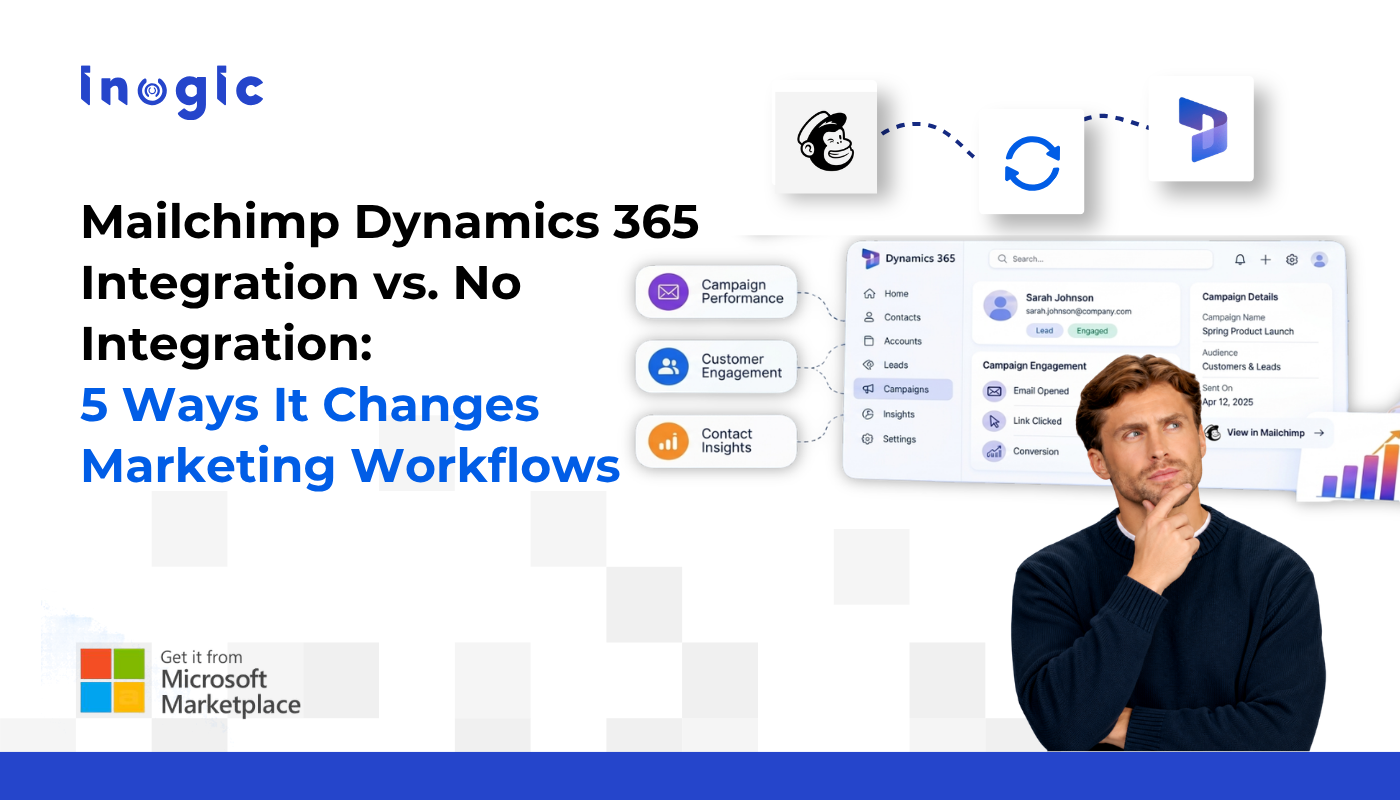
Email marketing performance is about more than opens, clicks, and campaign reports. Businesses also need to connect those interactions with customer information, audience management, and follow-up activities in their CRM.
Mailchimp handles email marketing, while Dynamics 365 CRM manages customer and lead relationships. A Mailchimp Dynamics 365 integration helps bring these activities into a more connected workflow, making campaign information more useful across marketing and customer management processes.
Key Takeaways
- Mailchimp Dynamics 365 integration connects email marketing activities with customer and lead management in CRM.
- Access to campaign engagement data, including opens and clicks, adds context to customer and lead records.
- Synchronizing supported contact, lead, and audience information helps coordinate marketing activities across both platforms.
- Integrating Mailchimp with Dynamics 365 helps businesses connect campaign execution, audience management, and customer follow-up workflows.
- Marketing4Dynamics enables users to create, send, and monitor Mailchimp campaigns from within Dynamics 365.
5 Ways CRM Integration Changes Marketing Workflows
1. Campaign Management Becomes Part of the CRM Routine
Managing customer relationships in Dynamics 365 and executing email campaigns in Mailchimp means working across two environments. This can make campaign activities feel separate from the CRM processes they support.
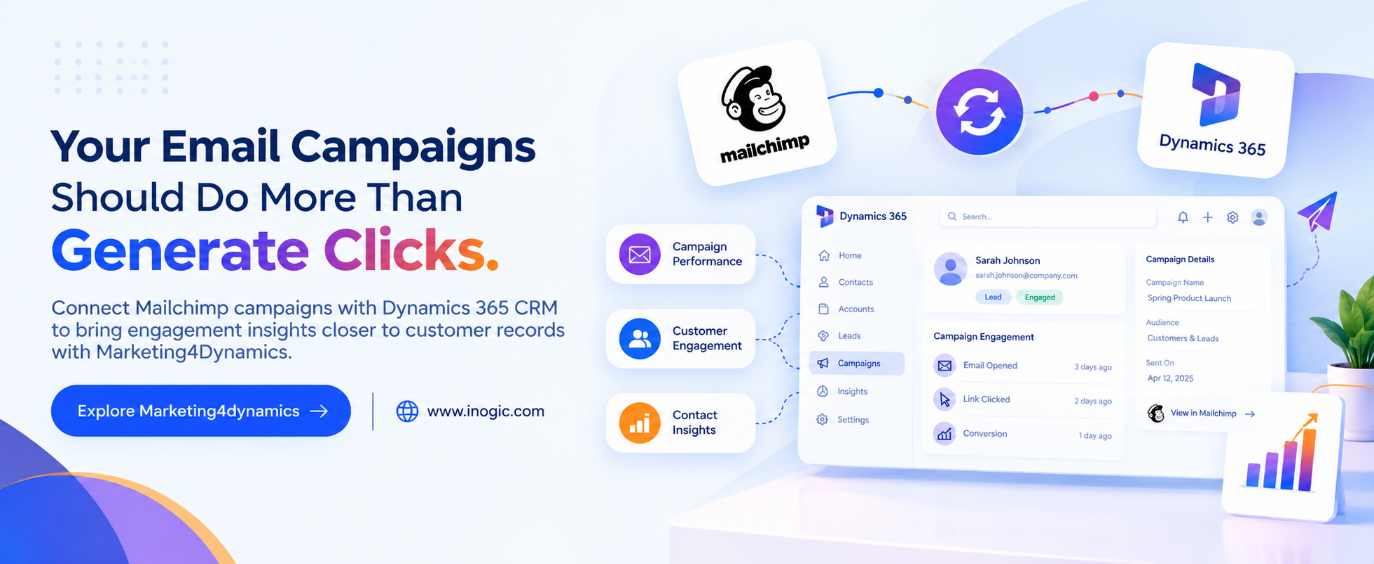
Mailchimp Dynamics 365 integration enables users to create, send, and monitor Mailchimp campaigns from within Dynamics 365, bringing supported campaign activities closer to existing CRM workflows.
The benefit is a more connected process for managing campaigns and customer information.
2. Email Engagement Becomes More Useful in Context
Opens, clicks, and other campaign metrics help marketers understand how recipients interact with emails. However, these metrics become more meaningful when considered alongside relevant customer and lead information.
With Mailchimp CRM integration, supported engagement details can be accessed alongside CRM records.
This gives users additional context when reviewing customer interactions and considering subsequent communication. An open or click does not automatically indicate buying intent, but it can contribute to a broader understanding of engagement.
3. Audience Management Gets a Clearer Connection
Contacts, leads, lists, tags, and subscriber information all influence how businesses organize email campaigns. Keeping these details aligned across platforms requires appropriate synchronization rules and coordination.
Integrate Mailchimp Dynamics 365 supports the exchange of relevant audience information between Mailchimp and Dynamics 365, based on the configured setup.
This helps businesses coordinate their audience management processes and use supported information across connected systems.
4. Follow-Up Decisions Draw on More Information
A customer’s CRM history tells part of the story. Email engagement can provide another useful perspective on their interaction with a business.
When supported campaign activity is available alongside CRM information, users can consider both sources while planning follow-ups, reviewing leads, or preparing customer conversations.
The result is a broader information base for decision-making, rather than relying on CRM history or campaign reports alone.
5. Marketing Activities Fit More Naturally into Daily Operations
Campaign execution, audience management, and customer follow-ups are related activities, yet they often involve different tools and processes.
Connecting Mailchimp with Dynamics 365 helps bring supported marketing activities closer to the environment where customer relationships are managed. Teams can access relevant information within their CRM workflows while continuing to use Mailchimp for email marketing.
Mailchimp Integration vs. Separate Platforms: A Workflow Comparison
| Activity | Separate Platforms | Connected with Marketing4Dynamics |
| Campaign execution | Campaigns managed separately in Mailchimp | Create, send, and monitor campaigns from Dynamics 365 |
| Engagement review | Metrics reviewed in Mailchimp separately | Supported engagement details available alongside CRM records |
| Audience management | Information handled across separate environments | Supported audience information exchanged according to configuration |
| Follow-up planning | Customer context and campaign activity reviewed separately | Campaign engagement can complement CRM information |
| Daily operations | Users switch platforms for related activities | Supported marketing activities brought into CRM workflows |
Connect Mailchimp and Dynamics 365 with Marketing4Dynamics
Marketing4Dynamics by Inogic connects Mailchimp with Dynamics 365 CRM, supporting contact and lead data exchange, audience management, campaign execution, and access to supported campaign engagement information.
For businesses exploring a Dynamics 365 Mailchimp integration, the goal should be to make marketing activities more useful within existing CRM processes, not simply to connect two applications.
Explore Marketing4Dynamics to learn how it can support a more connected email marketing workflow.
Website: www.inogic.com | Email: crm@inogic.com
Frequently Asked Questions
How does Mailchimp Dynamics 365 integration work?
Mailchimp Dynamics 365 integration connects supported audience data and email marketing activities between Mailchimp and Dynamics 365 CRM. Marketing4Dynamics by Inogic supports campaign management, contact and lead data exchange, and access to campaign engagement information within CRM.
What are the benefits of Dynamics 365 Mailchimp integration?
Dynamics 365 Mailchimp integration helps businesses connect campaign execution, audience management, and customer information. It also allows users to access supported email engagement details alongside CRM records, providing additional context for customer follow-ups.
Can I manage Mailchimp campaigns from Microsoft Dynamics 365 CRM?
Yes. With Mailchimp integration for Microsoft Dynamics 365, users can create, send, and monitor Mailchimp campaigns from within Dynamics 365 using Marketing4Dynamics.
Can I sync Dynamics 365 contacts and leads with Mailchimp?
Yes. Marketing4Dynamics supports exchanging contact and lead information between Dynamics 365 and Mailchimp. The synchronization setup determines how supported records and fields are handled.
Can I view Mailchimp email opens and clicks in Dynamics 365?
Marketing4Dynamics supports access to Mailchimp campaign engagement details, including opens and clicks, alongside relevant CRM records. This helps users consider email interactions when reviewing customer and lead activity.
Which tool connects Mailchimp with Dynamics 365 CRM?
Marketing4Dynamics by Inogic connects Mailchimp with Dynamics 365 CRM and supports campaign management, audience data exchange, and access to engagement information.