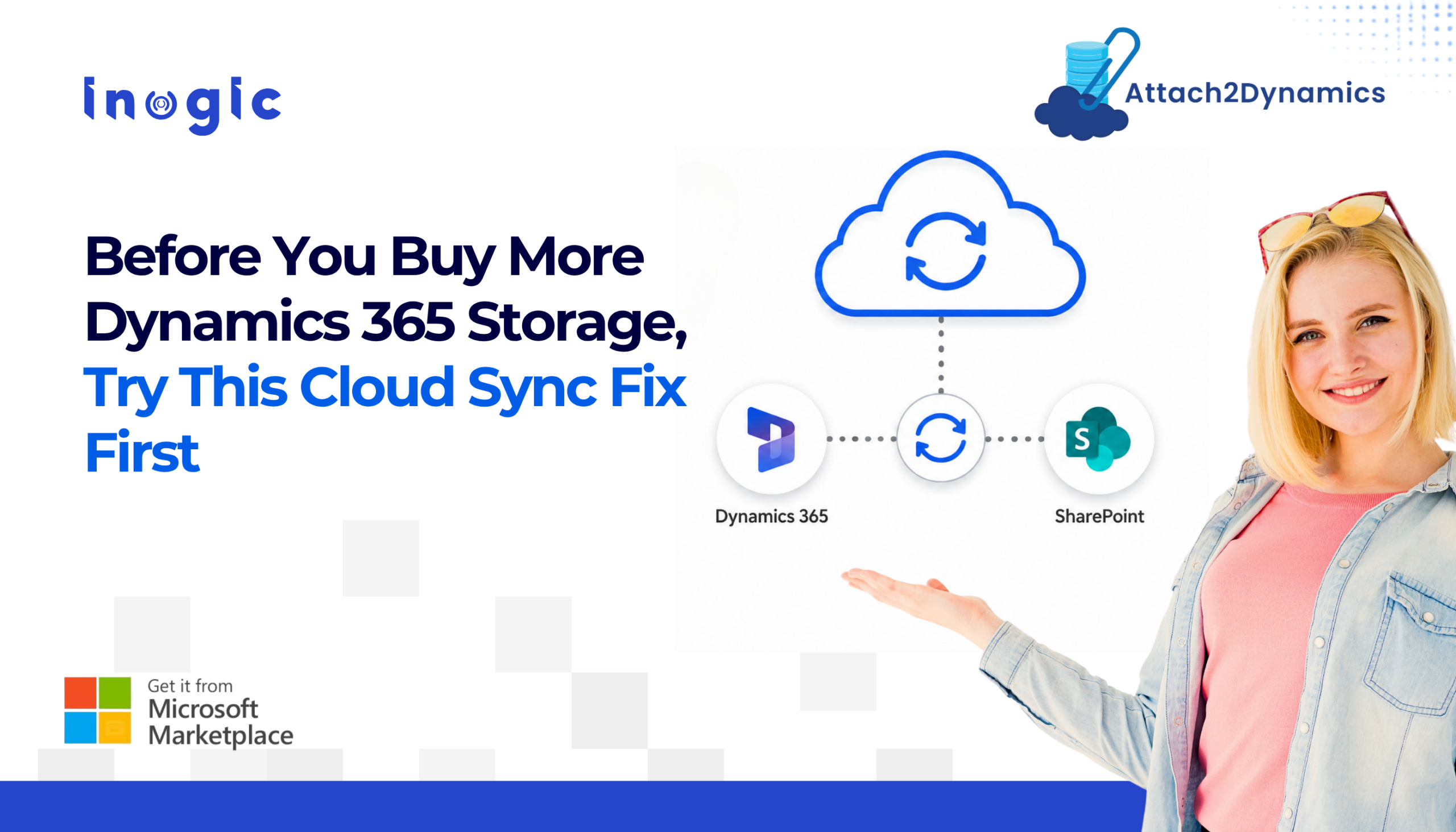
 You get the alert. Dynamics 365 tells you that you’re running low on storage, and the easiest reaction is to click “buy more.” But before you add another paid tier to your CRM bill, it’s worth asking a simpler question. Do you actually need more storage, or do you just need a better place for your files to live? For most organizations, the real fix isn’t more storage. It’s learning how to sync CRM data to cloud storage platforms so your CRM stops carrying weight it was never built to hold.
Key Takeaways
- Default Dynamics 365 storage runs out faster than most teams expect, often within months.
- Email attachments alone can account for nearly 70 percent of your CRM storage usage.
- Buying more storage only delays the cost problem. It doesn’t fix how files are managed.
- You can sync CRM data to cloud storage using platforms like SharePoint, Dropbox, or Azure Blob Storage without losing in-CRM access.
- Attach2Dynamics handles both bulk migration of old files and real-time sync of new ones, along with support for files up to 1.5 GB.
Why Your Dynamics 365 Storage Fills Up So Fast?
Most Dynamics 365 tenants start with around 10 GB of storage plus 250 MB per user. Sounds like enough. Until you actually use the system for a few months.
Attachments, notes, and email content pile up quietly in the background. Most teams hit their limit sooner than they’d think.
Email is the real culprit here. Attachments alone can eat up close to 70 percent of your total CRM storage. Every contract, invoice, and proposal sent through Outlook and logged in CRM adds up, and nobody notices until the warning shows up.
Then there’s the pricing. Microsoft’s 2026 model made overage a lot pricier:
- Database storage: around $40 per GB per month
- File storage: around $2 per GB
What used to be a small line item can turn into a real budget problem fast.
Buying more storage feels like the obvious fix, but it doesn’t solve anything underneath. You’re still storing years of contracts and attachments inside your CRM database, and that pile keeps growing. So next quarter, you’re right back where you started, just paying more for it. If your CRM has quietly turned into a filing cabinet, adding space only pushes the real problem down the road.
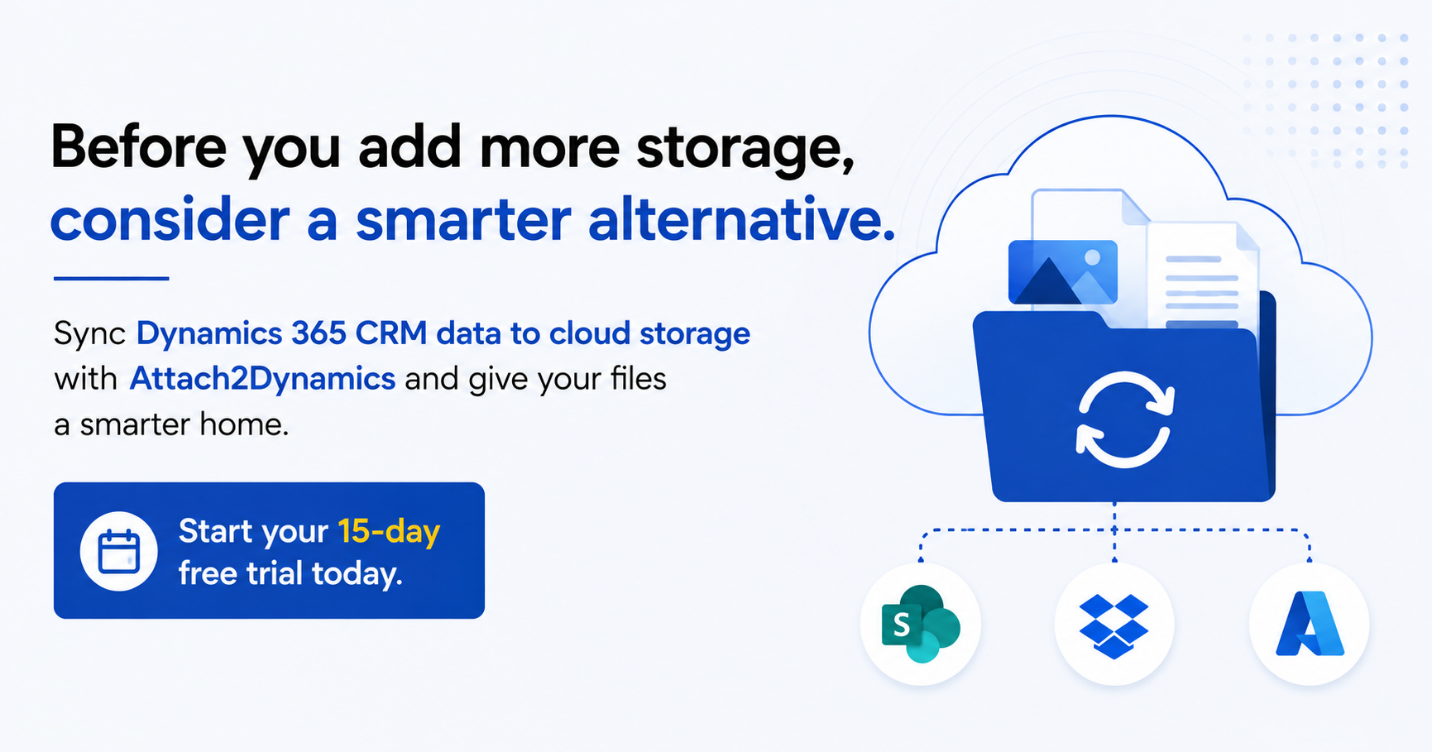
The Better Move: Sync CRM Data to Cloud Storage with Attach2Dynamics
Instead of paying to expand CRM storage, you can sync CRM data to cloud storage platforms like SharePoint, Dropbox, or Azure Blob Storage. When you do this properly, your team doesn’t lose anything. Files still open from inside Dynamics 365. Records stay linked to the right accounts and contacts. The only thing that changes is where the file actually sits, and that’s enough to free up your CRM without touching how people work day to day.
It’s a different move than paying Microsoft for another storage tier. You’re not renting more room for the same pile of files. You’re moving that pile somewhere cheaper, for good.
Attach2Dynamics, a certified app on Microsoft Marketplace, makes this shift without changing your team’s workflow:
- Bulk migration: Move years of historical attachments, notes, and emails out of CRM in one go, based on a time window you define, like anything older than six months.
- Real-time sync: New email attachments and notes move to your connected cloud storage automatically as they come in, so nothing new piles up.
- Larger file support: Dynamics 365 caps single attachments at 128 MB natively. Attach2Dynamics supports files up to 1.5 GB, which matters for larger contracts, media files, or design assets.
- In-CRM access: Users can upload, download, preview, rename, and share files directly from Dynamics 365. Nobody has to switch platforms or learn a new interface.
- Role-based governance: Access to upload, delete, or share files can be controlled by role or business unit, so moving files off CRM doesn’t mean losing control over who touches them.
If your storage bill keeps climbing every quarter, more storage isn’t the answer. Give your files a proper home, and let your CRM go back to doing what it’s actually for.
Also Read: Attach2Dynamics: A Cost-Effective Solution for Saving Microsoft Dynamics 365 CRM Storage Space
Final Thoughts
More storage buys you time, not a fix. The real problem is that Dynamics 365 is holding onto files it was never meant to store long-term, and that pile only gets bigger. Once you sync CRM data to cloud storage, your CRM stops carrying that weight, your team keeps working exactly the way they already do, and your storage bill stops climbing every quarter. It’s a one-time shift that pays off every month after.
FAQs
1. Does syncing CRM data to cloud storage change how my team accesses files?
No. Files stay accessible from within Dynamics 365. The storage location changes, but the day-to-day experience for users doesn’t.
2. How do I sync CRM data to cloud storage platforms?
Using a tool like Attach2Dynamics, you can connect Dynamics 365 to platforms such as SharePoint Online, Dropbox, or Azure Blob Storage. It handles both bulk migration of existing attachments and real-time sync of new files, so everything moves automatically without changing how your team accesses files inside CRM.
3. Which cloud storage platforms can I sync CRM data to?
Attach2Dynamics supports SharePoint Online, Dropbox, and Azure Blob Storage.
4. Can I migrate attachments I already have in CRM, or only new ones going forward?
Both. Bulk migration handles historical files based on a time period you choose, and real-time sync takes care of anything new coming in through email or notes.
5. Will this help with the 128 MB attachment limit in Dynamics 365?
Yes. Since files are stored externally, you can work with attachments up to 1.5 GB instead of being capped at CRM’s native limit.
6. Is this only useful for large enterprises?
No. Any organization dealing with rising storage costs or an overloaded CRM can benefit, regardless of size.