 How a US eCommerce Brand Reclaimed 1,100 Hours a Year with One Dynamics 365 App
Every peak season, the operations team at a mid-sized US eCommerce company selling clothing and lifestyle products, braced for the same nightmare:
Hundreds of new customer orders are flooding into Microsoft Dynamics 365, each requiring a near-identical setup across accounts, quotes, and order line items. The process was entirely manual. Agents copied field values one by one, re-entered product configurations, and rebuilt parent-child relationships from scratch. Hours turned into days. Errors crept in. Customers noticed delays.
The company’s CRM administrator, Dana, knew the answer wasn’t hiring more people. The answer was eliminating repetitive work altogether.
The question was how to clone records in Dynamics 365 reliably, at scale, without depending on custom development every time the business evolved.
✦ Key Takeaways
- Manual record duplication in Dynamics 365 was costing the US eCommerce company 230+ hours in a single week.
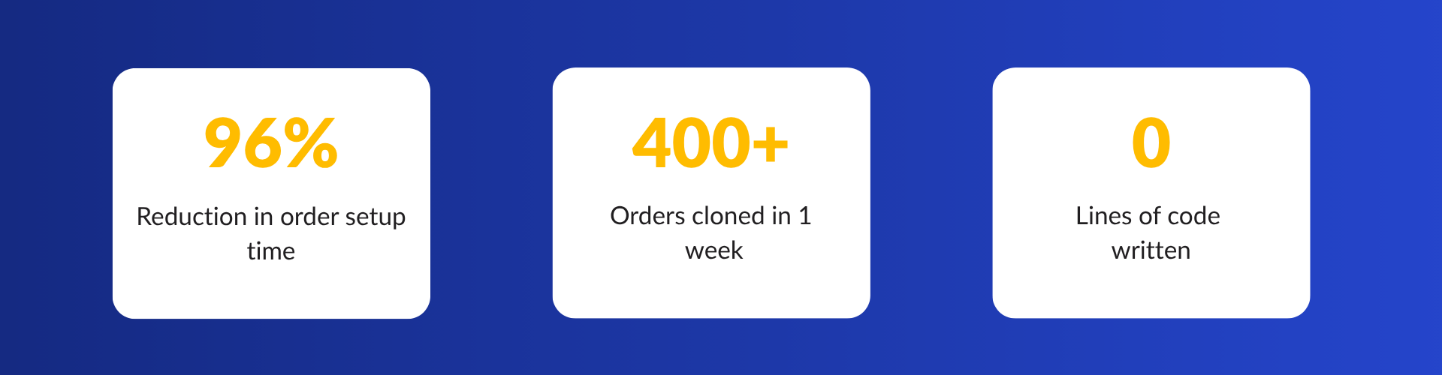
- Click2Clone reduced per-order setup time from 35 minutes to under 90 seconds.
- Deep copying parent-child relationships eliminated data errors and manual relinking across entities.
- Dana’s team reclaimed 1,100 hours annually after deploying Click2Clone with zero lines of code written.
The Breaking Point
The tipping point came during Q4 2025, when they launched a bundled gift-set campaign. Each sales order contained the same base configuration, promotional pricing, 12 to 15 product line items, shipping preferences, and associated account notes. Creating these manually in Dynamics CRM took an average of 35 minutes per order. With 400 orders in the first week alone, the team lost over 230 hours to pure data duplication.
We weren’t spending time selling – we were spending time copying. Our CRM should have been doing this for us. — Dana, CRM Admin
When Dana searched for a way to bulk copy records in Dynamics 365, most solutions pointed to custom Power Automate flows that required months of configuration, ongoing maintenance, and deep technical expertise.
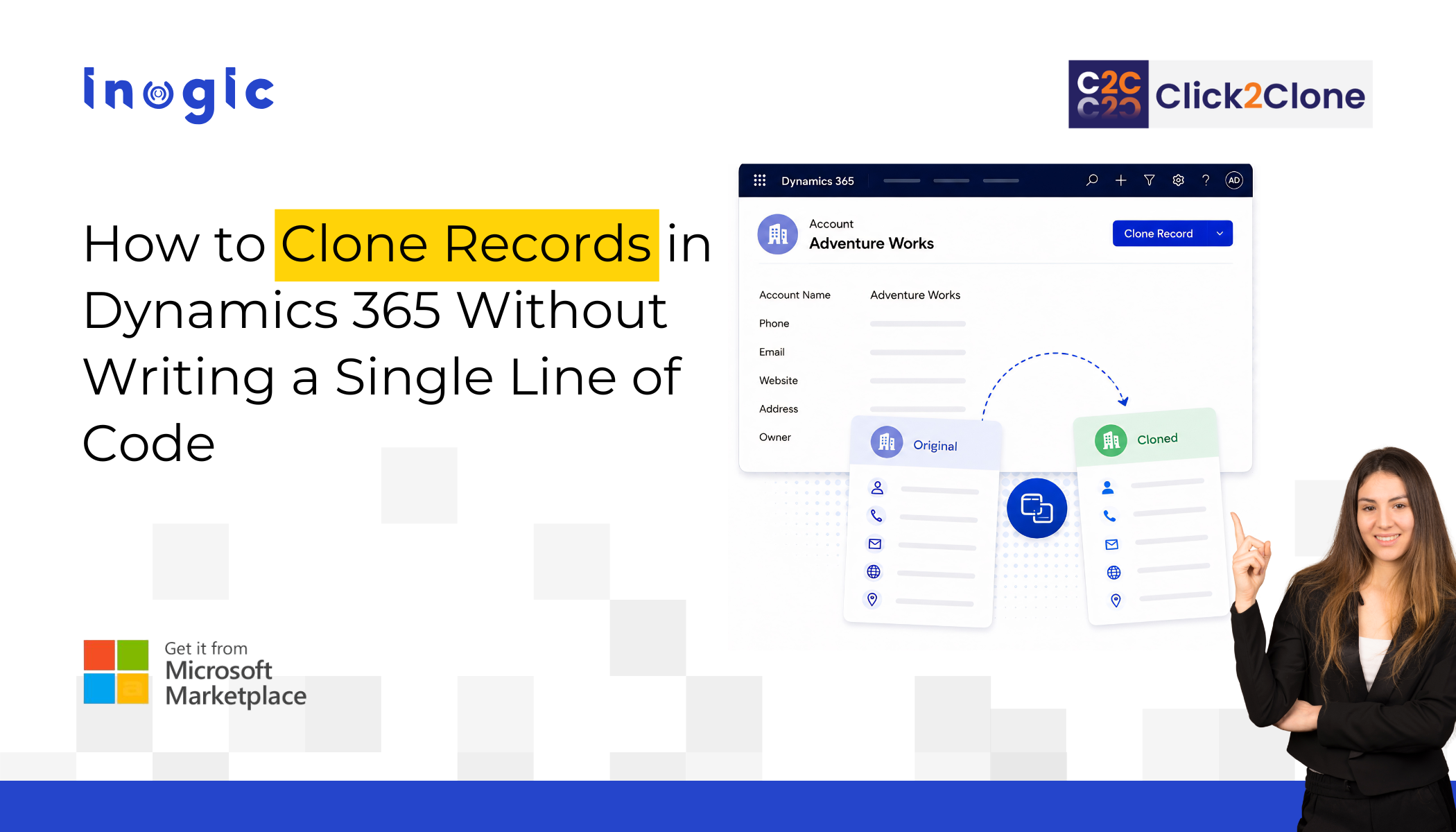
Then she found Click2Clone – a Microsoft Marketplace certified cloning solution for Dynamics 365 CRM. It is a natively built Dynamics 365 app that promises one-click cloning for any entity, standard or custom, with full parent-child relationship support.
What Changed in the First 48 Hours
Dana and team installed Click2Clone directly from Microsoft Marketplace. Within two days, with no code, no developer tickets, Dana had configured cloning templates for their three most-used entities: Sales Orders, Quotes, and Opportunities. Each template defined exactly which fields to copy, which child records to carry over, and which values to update automatically on the cloned record.
The transformation was immediate.
To clone an order in Dynamics 365, agents now click one button. The entire record, header fields, order lines, related contacts, pricing, and notes, were duplicated in seconds. For the bundled gift-set campaign, what once took 35 minutes per order dropped to under 90 seconds.
Deep Copy: Solving the Hierarchy Problem
The company’s data model was more complex than a flat order. Each opportunity record is connected to a parent account, multiple contacts, a quote with line items, and follow-up activities. Previously, copying existing records in Dynamics 365 meant rebuilding all of these relationships manually — a process prone to missed links and data inconsistency.
Click2Clone’s deep copy capability solved this entirely. When configured with a cloning template, the app performs a deep copy of Dynamics 365 records, replicating the parent record and cascading through every 1:N and N:N relationship beneath it — child records, related entities, activities, and attachments — all in a single operation. Dana’s team used this to duplicate entire opportunity hierarchies when pursuing similar deals with new prospects, saving their sales team hours of preparatory data work.
Key capability: Click2Clone supports deep copy across multi-level record hierarchies in Dynamics 365, including both one-to-many (1:N) and many-to-many (N:N) relationships — no custom workflow required.
Bulk Cloning at Scale: Peak Season, Solved
In the following Q4, Dana’s team processed 1,200 orders in the first two weeks of the campaign. Using Click2Clone’s bulk copy feature, Dana’s team selected multiple order records from the Dynamics 365 view and cloned them all simultaneously.
Every copied record preserved its full data structure, with a custom prefix applied automatically to identify cloned records from originals.
Click2Clone also lets agents update specific fields, such as delivery date or regional warehouse assignment, across all bulk-cloned records at once using the template’s field-update configuration. What used to require a developer-built workflow now took a CRM admin three minutes to set up.
What Click2Clone Does for Dynamics 365 Teams
- Clone a single record in Dynamics CRM with one click — any standard or custom entity
- Bulk copy records across Dynamics 365 in seconds, preserving all relationships
- Deep copy records including parent-child hierarchies, line items, and related data
- Clone orders in Dynamics 365 with order lines, pricing, and attachments intact
- Clone relationships in Dynamics 365 across both 1:N and N:N entity structures
- Copy records between entities— from Opportunity to Order, Quote to Invoice
- Apply custom prefixes, suffixes, and field updates automatically on every cloned record
The Outcome: A CRM That Works for the Business
Twelve months after deploying Click2Clone, Dana’s operations team has reclaimed an estimated 1,100 hours annually that were previously lost to manual duplication. Error rates in order records dropped by over 70%. New campaigns that once required days of CRM preparation are now ready within hours.
For any US eCommerce business running Microsoft Dynamics 365 or Dynamics CRM, the pattern experienced is common: high-volume, repetitive record creation slowing down sales and operations teams who should be focused on customers, not data entry. Click2Clone turns the act of duplicating complex CRM data from a manual burden into a single click, whether that means cloning one record or a thousand.
If your team is still copying records manually in Dynamics 365, the question isn’t whether you need a better solution. It’s how many hours you’ve already lost waiting to find one.
Stop Rebuilding Records Manually – Try Click2Clone Free
Clone records, copy orders, and deep copy relationships in Dynamics 365 — no code required.
Explore Click2Clone and start a 15-day free trial by downloading from the Inogic website or Microsoft Marketplace to efficiently clone Dynamics 365 records.
Need a strategic demo that aligns with your business scenario? Reach us at crm@inogic.com. Our experts will guide you to customise the workflow according to your own business requirements.