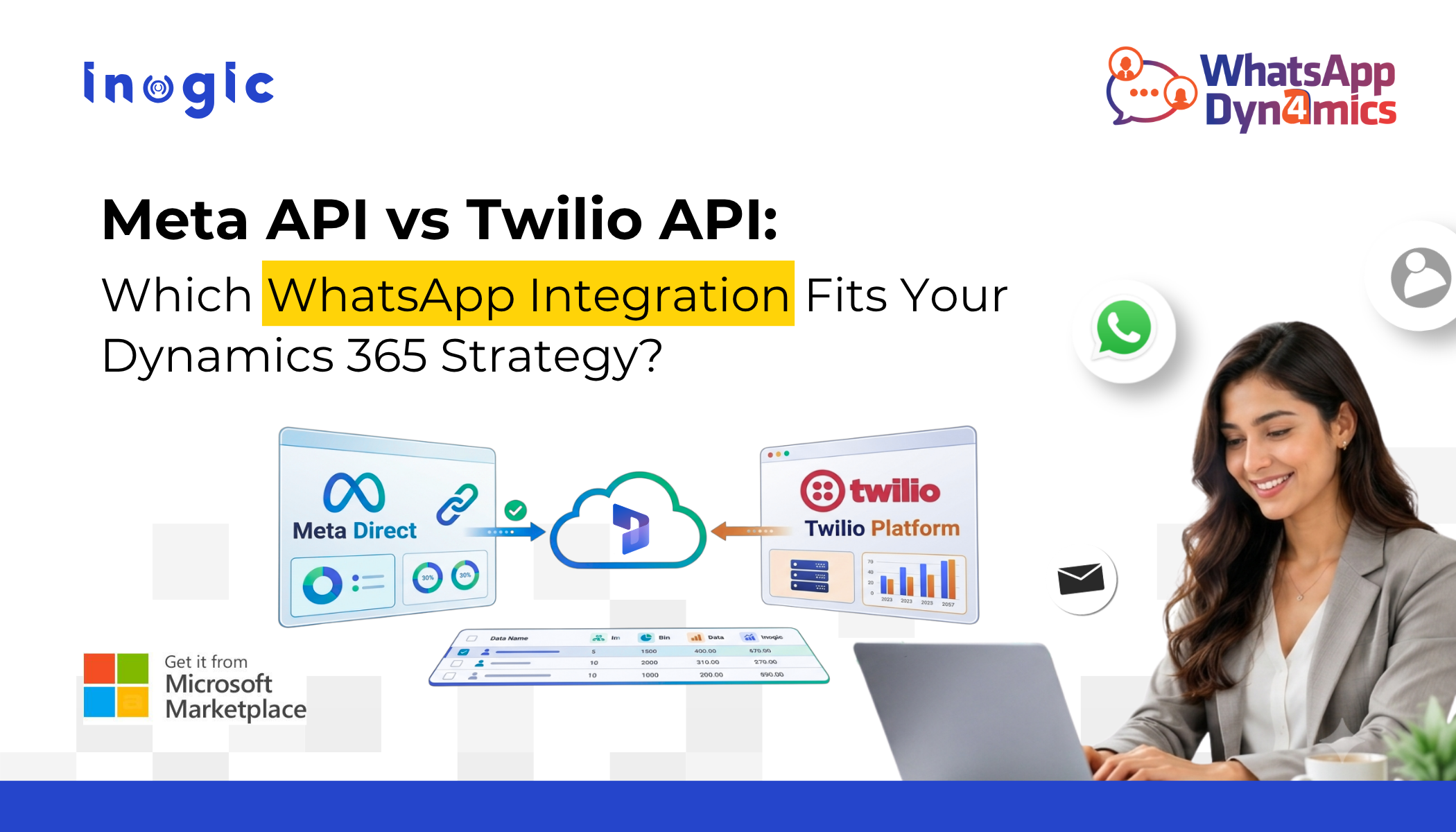
 Businesses today expect customer conversations to happen where customers are most comfortable, and for over 2 billion users worldwide, that platform is WhatsApp. Whether it’s answering product queries, sending appointment reminders, sharing invoices, or providing post-sales support, WhatsApp has become an essential communication channel.
For organizations using Microsoft Dynamics 365, the next logical step is integrating WhatsApp directly into their CRM. But before you do that, you’ll likely face an important decision:
Should you integrate using the Meta WhatsApp Business Platform API or the Twilio WhatsApp API?
The answer isn’t about choosing a universally “better” API. Instead, it depends on your existing infrastructure, technical requirements, scalability goals, and communication strategy.
Key Takeaways
- Meta API and Twilio API both enable WhatsApp integration with Dynamics 365, but they suit different business needs.
- Meta API offers direct access to the WhatsApp Business Platform, while Twilio simplifies implementation through a managed communication platform.
- Organizations already using Twilio often benefit from a faster rollout, whereas businesses seeking greater control may prefer Meta’s native API.
- Regardless of the API you choose, WhatsApp4Dynamics delivers the same seamless WhatsApp experience inside Microsoft Dynamics 365.
In this article, we’ll compare both APIs, discuss where each fits best, and explain how WhatsApp4Dynamics enables seamless WhatsApp messaging in Dynamics 365, regardless of the API you choose.
Why Integrate WhatsApp with Dynamics 365?
- Without integration, customer conversations are fragmented across tools, making it hard to maintain context and continuity.
- A native integration brings WhatsApp chats into Dynamics 365, enabling teams to view full conversation history, automate notifications, create CRM records from chats, and collaborate in real time.
- This helps improve response times and ensures a single, unified source of customer information.
- The integration approach depends on the API used to connect WhatsApp with the CRM.
Understanding the Two Integration Options
There are two common ways to connect WhatsApp with Dynamics 365:
 Option 1: Meta WhatsApp Business Platform API
 Option 1: Meta WhatsApp Business Platform API
The Meta API is the official API provided directly by Meta.
It allows businesses to connect their WhatsApp Business Account directly to their own applications without an intermediary messaging provider.
Typical architecture:
Customer → WhatsApp → Meta API → Dynamics 365
Organizations usually manage:
- WhatsApp Business Account
- Phone number registration
- Template approvals
- Authentication
- Webhooks
- Infrastructure and deployment
This option provides direct access to the WhatsApp Business Platform while giving organizations greater control over configuration and implementation.
Option 2: Twilio WhatsApp API
Twilio acts as a communication platform that sits between WhatsApp and your CRM.
Architecture:
Customer → WhatsApp → Twilio → Dynamics 365
Instead of handling Meta’s APIs directly, developers interact with Twilio’s APIs.
Twilio manages many backend complexities including:
- API abstraction
- Messaging services
- Webhook handling
- Authentication
- Delivery tracking
- Multi-channel communication
This often simplifies development, particularly for organizations already using Twilio.
Meta API vs Twilio API: Side-by-Side Comparison
| Feature | Meta API | Twilio API |
| Provider | Meta | Twilio |
| Integration Model | Direct connection | Through Twilio platform |
| Infrastructure Management | Business manages more components | Twilio manages much of the messaging layer |
| Setup Complexity | Moderate to Advanced | Generally simpler for many teams |
| Multi-channel Support | WhatsApp only | WhatsApp, SMS, Voice, Email, and more |
| API Experience | Native Meta APIs | Unified Twilio APIs |
| Best For | Organizations wanting direct platform access | Businesses already invested in Twilio services |
| Template Management | Meta Business Manager | Twilio Console |
| Webhook Management | Self-managed | Managed through Twilio |
Neither option is inherently superior. The right choice depends on your organization’s architecture, internal expertise, and communication ecosystem.
When Does the Meta API Make Sense?
The Meta API is often suitable when organizations:
- Prefer working directly with Meta’s platform
- Want greater control over implementation
- Already have in-house development expertise
- Manage their own hosting and integrations
- Require a direct relationship with the WhatsApp Business Platform
Example
A global enterprise already managing several Meta Business Accounts may choose the Meta API to centralize governance and integrate directly with existing internal systems.
When Does Twilio Make Sense?
Twilio is often a strong fit for organizations that:
- Already use Twilio for SMS or voice
- Want faster API implementation
- Prefer managed messaging infrastructure
- Need multiple communication channels under one platform
- Want simplified webhook and messaging management
Example
A healthcare provider using Twilio for appointment reminders can extend the same platform to WhatsApp while keeping messaging services consolidated.
The Bigger Question Isn’t the API, It’s the CRM Experience
Many organizations spend significant time evaluating APIs but overlook what users actually experience every day.
Sales representatives, customer service agents, and marketers don’t work inside APIs.
They work inside Dynamics 365.
An effective WhatsApp integration should enable users to:
- View conversations without switching applications
- Respond instantly from CRM
- Access customer history
- Trigger workflows
- Collaborate with teammates
- Maintain complete conversation context
The API becomes the communication layer, while the CRM experience determines user productivity.
Bringing WhatsApp into Dynamics 365 with WhatsApp4Dynamics
This is where WhatsApp4Dynamics bridges the gap.
Instead of building and maintaining a custom integration, organizations can connect WhatsApp directly with Microsoft Dynamics 365 while choosing the API that aligns with their business needs.
WhatsApp4Dynamics supports both:
- Meta WhatsApp Business Platform API
- Twilio WhatsApp API
This flexibility allows businesses to adopt the integration approach that best fits their environment without changing the end-user experience inside Dynamics 365.
To understand implementation in more detail, refer to this blog on integrating WhatsApp with Dynamics 365 using Meta API and Twilio API.
What You Can Do with WhatsApp4Dynamics
Whether you choose the Meta API or the Twilio API, WhatsApp4Dynamics provides a comprehensive WhatsApp experience within Microsoft Dynamics 365. Here are some of its key capabilities:
- Unified WhatsApp Conversation Manager – Send, receive, and manage WhatsApp conversations without leaving Dynamics 365.
- AI-Powered Assistance with InoWiz AI – Generate smart replies, chat summaries, sentiment analysis, quick replies, and knowledge article recommendations.
- WhatsApp Message Templates – Send pre-approved text, media, button, and quick reply templates with dynamic CRM data.
- Workflow & Journey Automation – Trigger WhatsApp messages automatically using Dynamics 365 Workflows, Power Automate, or Customer Insights – Journeys.
- CRM Record Creation & Field Mapping – Create leads, contacts, cases, opportunities, and custom records directly from chats with automatic field mapping.
- Chat History & Export – Maintain complete conversation history and export chats in Excel, CSV, or HTML formats for reporting and compliance.
Choosing the Right API for Your Organization
Rather than asking:
“Which API is better?”
Consider questions like:
- Does your organization already use Twilio?
- Do you prefer managing integrations directly through Meta?
- Will you require additional communication channels beyond WhatsApp?
- Who will maintain the integration?
- How much infrastructure do you want to manage internally?
Answering these questions often makes the decision much clearer.
Final Thoughts
Choosing between the Meta WhatsApp Business Platform API and the Twilio WhatsApp API isn’t about finding a universal winner. Both provide reliable ways to connect WhatsApp with your business applications, but they cater to different operational needs and implementation preferences.
WhatsApp4Dynamics supports both Meta and Twilio APIs, allowing organizations to adopt the integration approach that best aligns with their business strategy while providing a consistent, feature-rich experience inside Microsoft Dynamics 365.
Ready to Bring WhatsApp into Dynamics 365?
Try it out with a 15-day free trial available on the Microsoft Marketplace or the Inogic website.
For a personalized demo, reach out at: crm@inogic.com.
Frequently Asked Questions
1. Can I switch from Twilio API to Meta API later, or vice versa?
Yes. Organizations can switch APIs if their business requirements change. The migration process depends on factors such as phone number setup, WhatsApp Business Account configuration, and implementation architecture. Since WhatsApp4Dynamics supports both Meta API and Twilio API, businesses can choose the integration approach that best fits their evolving needs.
2. Which API is easier to implement with Dynamics 365?
For many organizations, the Twilio API offers a simpler implementation because it abstracts much of the underlying messaging infrastructure. The Meta API, on the other hand, provides direct access to the WhatsApp Business Platform and may require more configuration and technical management.
3. Will the user experience inside Dynamics 365 differ based on the API I choose?
No. With WhatsApp4Dynamics, end users continue to manage WhatsApp conversations directly within Microsoft Dynamics 365. The choice of API primarily affects the backend integration and administration, not the day-to-day CRM experience.