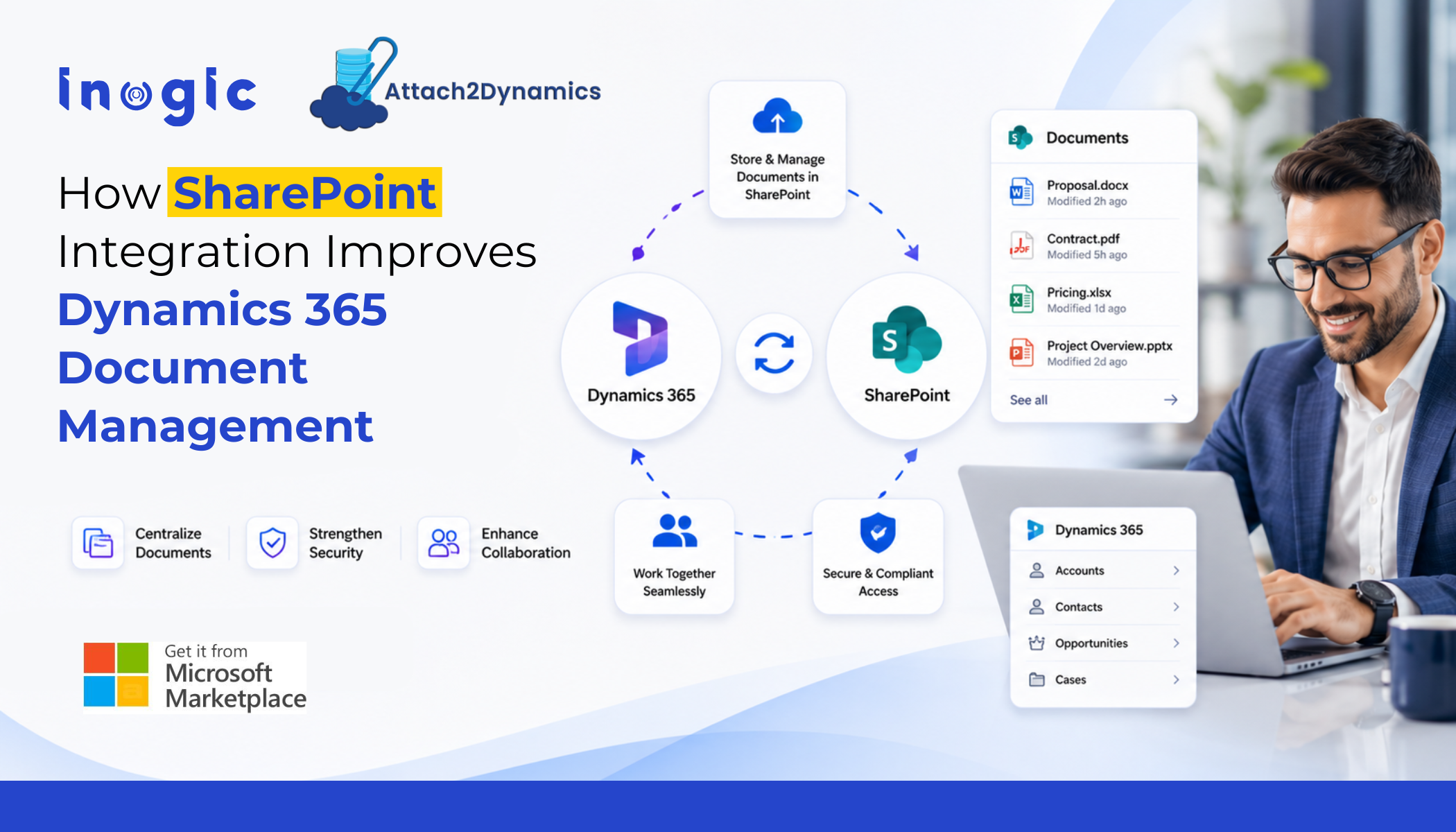
 Managing business documents inside Dynamics 365 can become increasingly difficult as CRM data grows. Sales teams upload proposals, support teams attach customer files, and finance teams store contracts and invoices every day. Over time, these attachments start consuming significant Dataverse storage.
At the same time, users often struggle to organize documents properly or quickly locate the files they need.
This is why many organizations are improving their document management strategy with SharePoint integration. SharePoint offers scalable storage, better collaboration, and easier document access while keeping files connected to CRM records.
In this blog, we’ll explore the common document management challenges businesses face and how solutions like Attach2Dynamics help simplify attachment management, improve organization, and reduce Dynamics 365 storage dependency.
Common Challenges in Dynamics 365 Document Management
Rising Dynamics 365 Attachments Storage Costs
Attachments consume storage very quickly in Dynamics 365. Emails, presentations, contracts, images, and PDFs can fill Dataverse storage faster than expected.
As businesses grow, storage costs also increase. Purchasing additional storage repeatedly is not always the most cost-effective option.
Documents Become Scattered Across Systems
Many teams store files in multiple locations such as:
- Outlook
- SharePoint
- Microsoft Teams
- Local systems
- Email inboxes
This creates confusion and slows down users who need quick access to customer documents.
Limited File Organization
Without a proper structure, attachments become difficult to manage. Users may upload files with inconsistent naming conventions or store documents in the wrong locations.
This affects productivity and makes document retrieval harder.
Security and Access Challenges
Organizations also need to control who can access sensitive customer documents. When files move between Dynamics 365 and SharePoint, maintaining proper permissions becomes important.
Why Businesses Use SharePoint for Dynamics 365 Attachments Management
SharePoint has become one of the most popular platforms for Dynamics 365 document management because it helps businesses manage documents more efficiently.
Some key benefits include:
- Lower storage costs compared to Dataverse
- Centralized document storage
- Better collaboration across teams
- Version history and document tracking
- Easy access to files from Microsoft applications
Microsoft provides native SharePoint integration with Dynamics 365, but many organizations need more flexibility and automation than the native setup offers.
For example, businesses often want:
- Automatic folder creation
- Easier attachment movement
- Better document organization
- Support for multiple storage platforms
- Simpler user experience inside CRM
This is where advanced solutions like Attach2Dynamics help improve Dynamics 365 attachments management.
How Attach2Dynamics Improves Dynamics 365 Document Management
Automatically Move Dynamics 365 Attachments to SharePoint
Attach2Dynamics helps organizations move Dynamics 365 attachments directly to SharePoint and other external storage platforms.
This reduces dependency on expensive Dataverse storage while keeping documents connected to CRM records.
Users can continue working inside Dynamics 365 without changing their existing processes.
Organize Dynamics 365 Documents with Automated Folder Structures
Manually creating folders for every account, opportunity, or case takes time and often leads to inconsistent document organization.
Attach2Dynamics automatically creates structured folders based on Dynamics 365 entities. This helps teams maintain a clean and organized document repository.
As a result, users can find files faster and manage customer documents more efficiently.
Access SharePoint Documents Inside Dynamics 365
One common challenge with external storage is switching between applications to access documents.
Attach2Dynamics solves this by allowing users to access SharePoint documents directly inside Dynamics 365.
Users can:
- Upload files
- Preview documents
- Open folders
- Manage attachments
All without leaving the CRM interface.
This improves user productivity and simplifies document management.
Flexible Storage Options for Dynamics 365 Document Management
Many businesses use different storage platforms depending on their infrastructure and compliance needs.
Attach2Dynamics supports platforms such as:
- SharePoint
- Azure Blob Storage
- Dropbox
This flexibility allows organizations to build a document management strategy that fits their business requirements.
Improve Dynamics 365 Email Attachment Storage with SharePoint
Email attachments are another major source of storage growth in Dynamics 365.
Attach2Dynamics allows users to store Outlook email attachments directly in SharePoint or external storage locations while maintaining access from CRM.
This helps businesses improve Dynamics 365 attachments storage management without affecting user experience.
Maintaining Secure Role-Based Access to SharePoint Documents in Dynamics 365
Moving documents to SharePoint helps organizations improve storage management and collaboration, but maintaining secure access to files remains equally important.
Businesses need to ensure users can only access documents they are authorized to view based on their Dynamics 365 security roles and permissions.
Solutions like SharePoint Security Sync help synchronize Dynamics 365 CRM security permissions with SharePoint document access. This enables organizations to maintain secure, role-based access control for customer documents stored in SharePoint.
When combined with Attach2Dynamics, businesses can improve both Dynamics 365 document management and document security while simplifying attachment storage and access across systems.
Conclusion
As organizations generate more customer documents, emails, and CRM attachments, managing files efficiently inside Dynamics 365 becomes increasingly challenging.
Integrating SharePoint with Dynamics 365 helps businesses reduce Dataverse storage costs, improve collaboration, and organize documents more effectively while keeping files connected to CRM records.
Solutions like Attach2Dynamics further simplify Dynamics 365 attachment management by automating document organization, improving file accessibility inside CRM, and supporting external storage platforms like SharePoint and Azure Blob Storage.
For businesses looking to modernize their Dynamics 365 document management strategy, SharePoint integration offers a smarter and more scalable approach.
You can explore Attach2Dynamics from the Inogic website or Microsoft Marketplace and get a 15-day free trial.