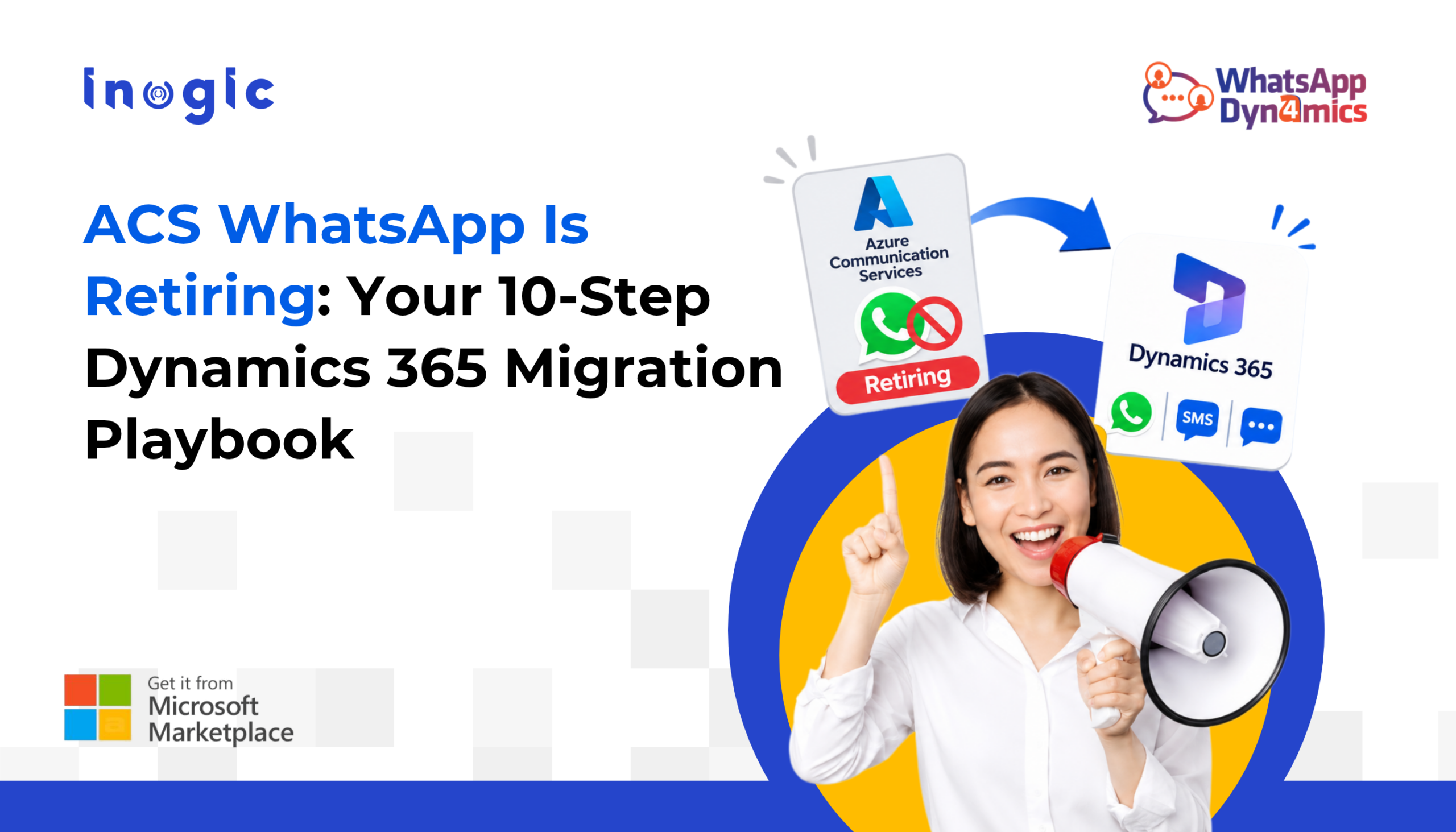
 Your customers don’t care which pipe carries their WhatsApp messages. Your CRM team should. If your Dynamics 365 conversations flow through Azure Communication Services (ACS), Microsoft has announced that ACS WhatsApp is being retired, so the pipe has an expiry date. The good news is that a planned ACS WhatsApp migration is far less painful than a rushed one.
This guide walks you through moving to WhatsApp4Dynamics, a Microsoft Marketplace-certified WhatsApp integration for Dynamics 365 CRM that connects through the Meta WhatsApp Business API or Twilio.
For Microsoft’s announcement and who is affected, read our detailed breakdown: Azure Communication Services WhatsApp Retirement: Your ACS Migration Alternative.
Key Takeaways
- ACS Advanced Messaging with WhatsApp is on Microsoft’s retirement list. Existing integrations keep working until then, with no new features, and new sign-ups are closed.
- WhatsApp4Dynamics brings WhatsApp Business into Dynamics 365 CRM (Online | Dataverse) through the Meta API or Twilio.
- Going direct to Meta removes the ACS layer. The trade-off is that you manage your own Meta Business Manager, WhatsApp Business Account (WABA) and API credentials.
- Start by inventorying what runs on ACS, auditing templates and planning your number migration.
- Setup happens inside Dynamics 365 under WhatsApp4Dynamics > Configurations, and a 15-day free trial lets you pilot first.
The ACS countdown: what changes for your CRM team
Check three places for ACS dependencies:
- Custom apps built on the ACS Messaging SDK and Event Grid.
- Dynamics 365 channels configured through ACS.
- Anything downstream of Event Grid, such as Logic Apps, Functions and reporting.
Microsoft points to the Azure Advisor Service Retirement workbook and the open-source ACS Resource Explorer to find affected resources.
Why go direct: the case for dropping the middle layer
- Today: Customer → WhatsApp → Meta → ACS → your app or Dynamics channel
- Direct: Customer → WhatsApp → Meta Cloud API → WhatsApp4Dynamics → Dynamics 365
That means fewer moving parts, no Event Grid plumbing to maintain, and billing that is Meta’s rates plus the app license instead of an ACS usage fee on top.
Prefer Twilio? WhatsApp4Dynamics supports it too. Compare both in Meta API vs Twilio API: Which WhatsApp Integration Fits Your Dynamics 365 Strategy?
The 10-step ACS to WhatsApp4Dynamics migration playbook
- Inventory what runs on ACS – List every app, channel and Event Grid subscription that touches WhatsApp.
- Audit templates and customer IDs – Templates are defined per WABA, so list them first. If your logic treats the phone number as the customer key, review it, because WhatsApp usernames and Business-Scoped User IDs (BSUIDs) may need handling.
- Plan your number migration – Moving a number follows WhatsApp’s phone number migration process, and the destination provider must support it. Start early.
- Prepare Meta – Set up your Meta Business Manager account, then generate a permanent access token and retrieve your WABA ID.
- Install WhatsApp4Dynamics – Get it from Microsoft Marketplace or the Inogic website, activate the license, set up security and add team members.
- Add your sender – Open WhatsApp4Dynamics > Configurations, create the configuration with your Meta (WABA) details, then validate it.
- Map records and templates – Configure record types so chats link to Leads, Contacts, Cases and Opportunities, and set up message templates with dynamic variables.
- Rebuild your automations – Trigger WhatsApp messages from CRM events using workflows and Power Automate.
- Set your guardrails – Configure chat assignment, opt-in and consent settings, chat history and data masking.
- Pilot, cut over, retire ACS – Run one team first, then move the number and switch off the ACS and Event Grid pieces.
What your agents get on day one
- Chat from any record, without typing phone numbers
- Records from chats: create Leads, Contacts and Cases from a conversation
- Chat history stored as timestamped sessions on CRM records
- InoWiz AI for smart replies, chat s9ummaries and sentiment analysis
- AI chatbot answering from SharePoint, websites and uploaded documents
See how it works in How to Integrate WhatsApp with Dynamics 365 CRM Using Meta or Twilio APIs and How AI Chatbots Transform WhatsApp Customer Support in Dynamics 365.
Four migration mistakes to avoid
- Waiting until the last minute. Number and template lead times are real.
- Treating the phone number as the only customer key.
- Forgetting to inventory templates before cutover.
- Skipping the pilot. Test with one team first.
Ready to migrate?
Start a 15-day free trial of WhatsApp4Dynamics from the Inogic website or Microsoft Marketplace. Want a walkthrough? Write to crm@inogic.com.
FAQs
How do I migrate WhatsApp from ACS to Dynamics 365 CRM?
Inventory your ACS dependencies, audit templates, plan your number migration, then connect WhatsApp to Dynamics 365 using WhatsApp4Dynamics through the Meta WhatsApp Business API or Twilio.
What can replace ACS WhatsApp in Dynamics 365?
WhatsApp4Dynamics is an option for teams that want WhatsApp inside Dynamics 365 CRM, connected directly to Meta or through Twilio.
Do I need a BSP to use the WhatsApp Business Platform with Dynamics 365?
Not necessarily. Meta’s Cloud API can be accessed directly with Meta Business Manager credentials, and WhatsApp4Dynamics also supports Twilio.
Can I keep my existing WhatsApp number?
Moving a number follows WhatsApp’s phone number migration process, and the new provider must support it.
Will my ACS integration keep working until the retirement?
Yes, with no new features and fixes only. New sign-ups for retiring ACS services are closed.
Can WhatsApp conversations create Leads and Cases in Dynamics 365?
Yes. WhatsApp4Dynamics creates Leads, Contacts, Cases and custom records from chats.
Does WhatsApp4Dynamics support AI and chatbots?
Yes. InoWiz AI provides smart replies, summaries and sentiment analysis, and an AI chatbot can answer from SharePoint, websites and documents.