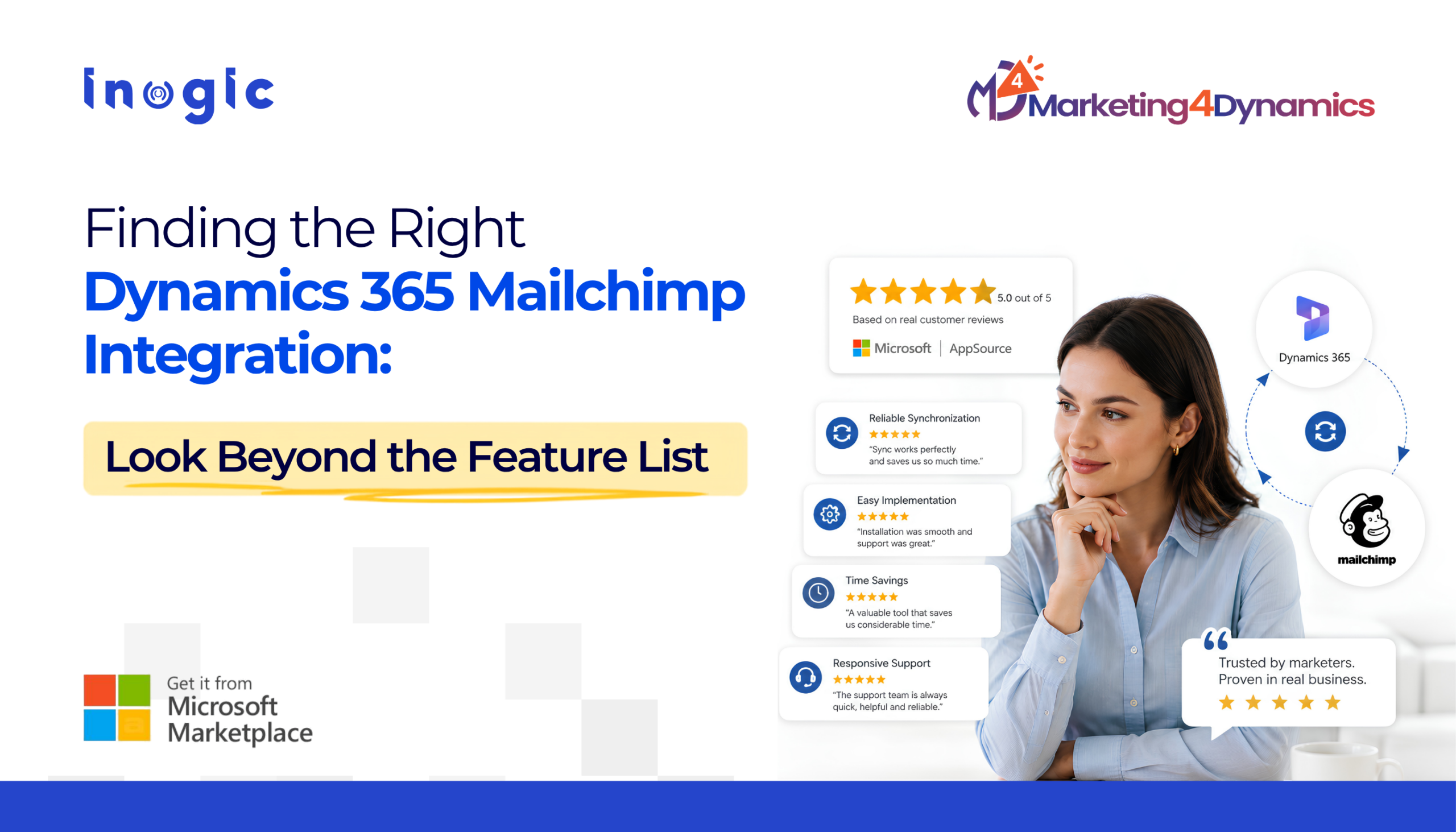
A product page can show you the features. Customer reviews show you whether those features actually make work easier.
Key Takeaways
- Microsoft Marketplace reviews show how a Dynamics 365 marketing app performs in real business environments.
- Look beyond star ratings for feedback on reliability, implementation, support, and time savings.
- Customer reviews can reveal practical benefits of a Dynamics 365 Mailchimp integration that feature lists may not explain.
- Repeated feedback about synchronization and ease of use can help buyers make more confident app decisions.
- Marketing4Dynamics reviews highlight reliable synchronization, reduced manual work, and responsive support.
When businesses evaluate a Dynamics 365 marketing app, the usual checklist is familiar: Does it integrate with our CRM? Can it synchronize customer data? Is it easy to configure? Does it support our marketing workflow?
But there is another question that is harder to answer from a product page:
What is it actually like to use the app every day?
That is where Microsoft Marketplace reviews become valuable.
For a business evaluating an app such as Marketing4Dynamics, reviews can reveal practical details that feature lists often leave out. Customers talk about implementation, reliability, time savings, audience management, and, importantly, what happens when they need support.
What Real Customers Notice After Using a Dynamics 365 App
A five-star rating is useful, but the words behind it are more revealing.
For example, Marketing4Dynamics customers have highlighted saving considerable time through reliable contact synchronization between Dynamics 365 and Mailchimp. Others have mentioned easier marketing processes, audience management, and responsive support.
These comments connect the product’s capabilities to actual working outcomes. And that is exactly what a prospective buyer needs to understand.
Reliable Data Synchronization Matters
For marketing teams, synchronization isn’t just a technical feature. If contacts are constantly being exported, imported, checked, and corrected, marketing teams spend time maintaining data instead of using it.
Marketing4Dynamics is designed to synchronize Dynamics 365 CRM and Mailchimp data, including audiences, members, groups, tags, and marketing lists. Customer reviews that mention reliable synchronization therefore provide useful context: they show how an integration can affect everyday marketing operations.
Ease of Implementation Can Be Just as Important as Features
An app may have an impressive feature list, but complicated implementation can quickly become a problem. This is why reviews mentioning installation, configuration, or implementation are worth reading.
One of the Marketing4Dynamics reviews you shared specifically praised the installation and marketing-list setup support. Another described the implementation and support experience as seamless. For a CRM manager, that information can be just as important as knowing what the app can do.
Support Becomes Part of the Product Experience
This is perhaps the strongest theme across the reviews you provided. Customers repeatedly mention responsive and helpful support from Inogic when they needed assistance.
That matters because Dynamics 365 environments are rarely identical. Organizations often have their own customizations, permissions, workflows, and configurations.
So the question isn’t only:
“Does the app work?”
It is also:
“Can I get help when my environment introduces something unexpected?”
Time Savings Are More Meaningful Than Another Feature
One customer described Marketing4Dynamics as a valuable tool for saving time. Another highlighted how it facilitated the integration between Dynamics 365 contacts and Mailchimp while making newsletter engagement visible.
Those comments point to a larger benefit.
The value of a CRM integration isn’t necessarily another screen or another feature. It is the work it removes from the team’s daily routine.
- Less manual synchronization.
- Less list maintenance.
- Less switching between systems.
- More time to focus on campaigns and customers.
What to Look for When Reading App Reviews
When evaluating a Dynamics 365 marketing solution on Microsoft Marketplace, don’t look at the star rating alone.
Look for patterns around:
| Review theme | Why it matters |
| Reliability | Shows whether the solution works consistently |
| Implementation | Indicates how difficult it may be to get started |
| Time savings | Shows whether it reduces manual work |
| Data synchronization | Helps assess day-to-day CRM and marketing operations |
| Ease of use | Indicates how quickly teams may adopt the solution |
| Support | Shows what happens when assistance is needed |
Marketing4Dynamics is a Microsoft-certified Dynamics 365 app available through Microsoft Marketplace, giving businesses an additional level of confidence when evaluating the solution alongside customer feedback and product capabilities.
Don’t just ask what a Dynamics 365 app can do. Look at what customers say it helped them do better.
For Marketing4Dynamics, the customer feedback points to a consistent theme: less manual work, reliable Dynamics 365 and Mailchimp synchronization, easier marketing management, and responsive support.
That is ultimately more useful than a feature list because it helps a prospective customer picture what the app could change in their own marketing workflow.
Ready to Explore What Marketing4Dynamics Can Do for Your Team?
See how Marketing4Dynamics can simplify Dynamics 365 and Mailchimp integration, reduce manual marketing work, and help your team make better use of customer engagement data.
Want to know more?
Visit www.inogic.com or email crm@inogic.com to connect with the Inogic team
FAQs
What should I look for when choosing a Dynamics 365 marketing app?
Look for reviews that mention Dynamics 365 marketing reliability, ease of implementation, data synchronization, usability, and customer support. Consistent feedback across multiple reviews can help you understand the app’s practical value.
Why are Microsoft Marketplace reviews important when choosing a CRM app?
Reviews provide real customer experiences that can help businesses evaluate whether a Dynamics 365 CRM integration is reliable, practical, and easy to implement before making a purchase decision.
Can Marketing4Dynamics improve Mailchimp and Dynamics 365 CRM data management?
Yes. Marketing4Dynamics connects Mailchimp and Dynamics 365 CRM to help synchronize contacts, audiences, marketing lists, and engagement data, reducing repetitive data management and giving teams better access to customer information.
How does Marketing4Dynamics support Dynamics 365 email marketing?
Marketing4Dynamics connects Mailchimp with Dynamics 365 CRM, allowing teams to synchronize contacts, marketing lists, audiences, and campaign engagement. This gives marketers a more connected workflow for managing customer communications.
What are the benefits of connecting Mailchimp with Dynamics 365 CRM?
A Mailchimp CRM integration helps teams keep customer data aligned, manage audiences more efficiently, and bring email engagement into the CRM. It can reduce manual data handling while giving marketing and sales teams better customer context