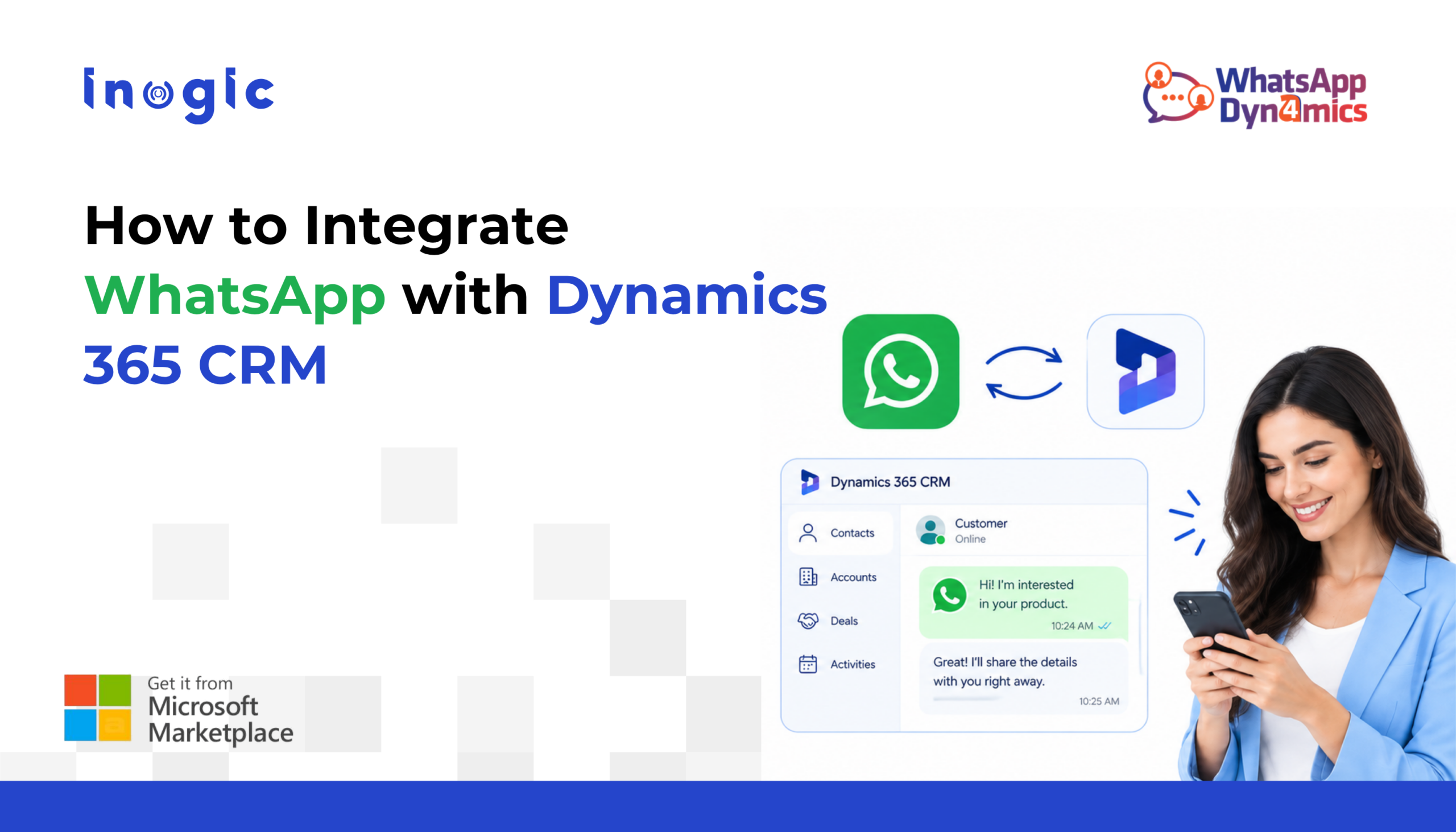
How many customer conversations start on WhatsApp but never make it into your CRM?
For many businesses, WhatsApp is where customers ask questions, request quotes, book services, and follow up. But when WhatsApp and Dynamics 365 CRM operate separately, useful customer context can quickly get lost.
A WhatsApp integration with Dynamics 365 closes that gap by bringing conversations into the CRM, where they can be connected with leads, contacts, opportunities, cases, and follow-up activities.
Key Takeaways
• Connect WhatsApp Business with Dynamics 365 using Meta or Twilio.
• Manage WhatsApp conversations without leaving Dynamics 365.
• Link chats to existing or new CRM records.
• Automate notifications, reminders, and follow-ups.
• Use AI for smart replies, summaries, sentiment analysis, and context-based suggestions.
• Add an AI chatbot to handle common customer questions automatically.
What Does WhatsApp Integration with Dynamics 365 Mean?
A WhatsApp Dynamics 365 integration connects a customer’s WhatsApp conversation with the information already stored in Microsoft Dynamics 365.
For example, a prospect sends, “Can you send me pricing for your maintenance package?” Instead of replying in WhatsApp and manually creating a lead afterward, the conversation can be handled from Dynamics 365 and connected to the appropriate CRM record.
Benefit: Sales and service teams get the customer’s conversation and CRM context in one place.
How Does WhatsApp Connect to Dynamics 365?
The usual architecture is:
Customer → WhatsApp → Meta or Twilio → Integration → Dynamics 365
There are two common API routes: Meta’s WhatsApp Business Platform and Twilio’s WhatsApp API. Meta provides direct access to the WhatsApp Business Platform, while Twilio provides a managed communications layer.
Benefit: You can choose the API route that fits your existing technical environment instead of rebuilding your communication stack.
Where Does WhatsApp4Dynamics Fit?
Building a WhatsApp integration, yourself means handling APIs, authentication, webhooks, templates, media, CRM mappings, and error handling.
WhatsApp4Dynamics by Inogic provides a ready-made connection between WhatsApp Business and Dynamics 365 CRM using Meta or Twilio. It is a Microsoft Marketplace-certified app and brings WhatsApp conversations directly into the Dynamics 365 interface.
For example, a salesperson can open an Opportunity in Dynamics 365 and continue the customer’s WhatsApp conversation without switching to another application.
Step 1: Choose Your WhatsApp API Route
- Meta WhatsApp Business Platform
Meta’s API provides direct access to the WhatsApp Business Platform. Businesses typically manage their WhatsApp Business Account, phone number, authentication, webhooks, and message templates.
Example: A larger organization with an existing Meta developer setup may choose the direct Meta route for greater control over its WhatsApp implementation.
- Twilio WhatsApp API
Twilio provides WhatsApp messaging through its communications platform. This can be attractive when Twilio is already part of the organization’s technology stack.
Example: A business already using Twilio for SMS and voice can add WhatsApp without introducing an entirely separate communications provider.
Benefit: A familiar communications layer can simplify implementation for teams already using Twilio.
WhatsApp4Dynamics supports both Meta and Twilio, so the CRM experience remains consistent regardless of the selected API route.
Step 2: Connect WhatsApp with Dynamics 365
After the WhatsApp Business setup is ready, the next step is connecting it to Dynamics 365.
With WhatsApp4Dynamics, WhatsApp conversations can be managed directly inside Dynamics 365. The integration supports Dynamics 365 Online with Dataverse.
Step 3: Map WhatsApp Conversations to CRM Records
This is where a WhatsApp CRM integration becomes particularly useful.
WhatsApp4Dynamics can map conversations to CRM records using the customer’s mobile number. Chats can also be initiated from records such as Leads, Contacts, Opportunities, and Cases.
For example, if an existing customer asks about an open service case through WhatsApp, the conversation can be associated with that customer and case.
If the sender is new, the conversation can also be used to create a CRM record.
Step 4: Keep WhatsApp Chat History in CRM
A customer conversation rarely ends after one message.
WhatsApp4Dynamics stores incoming and outgoing conversations as timestamped chat history linked to CRM records.
For example, if a salesperson changes role, the next salesperson can review the previous WhatsApp conversation instead of asking the customer to explain everything again.
Benefit: Better continuity when accounts or conversations move between team members.
Step 5: Automate WhatsApp Messages
Once WhatsApp is connected to Dynamics 365, CRM events can trigger messages.
Think about an appointment confirmation, order update, service notification, or follow-up.
For example:
Appointment created → Dynamics 365 workflow → WhatsApp confirmation
WhatsApp4Dynamics supports automated workflows for confirmations, reminders, alerts, and updates.
Can AI Help with WhatsApp Conversations?
Yes, and this is becoming one of the more useful parts of the integration.
WhatsApp4Dynamics includes InoWiz AI, which can provide smart reply suggestions, chat summaries, sentiment analysis, and context-aware recommendations inside Dynamics 365.
For example, if a customer sends several messages explaining a problem, AI can summarize the conversation so an agent can understand the issue quickly before replying.
Another example is a customer expressing frustration. Sentiment analysis can help the agent recognize the tone and respond appropriately.
Benefit: Agents spend less time reading, rewriting, and composing routine responses.
What Can an AI Chatbot Do on WhatsApp?
A chatbot can take the automation a step further.
Instead of waiting for an employee to answer every basic question, an AI-powered chatbot can handle common customer requests through WhatsApp.
Chatbot can use connected business knowledge sources such as Microsoft Dataverse, SharePoint, websites, and uploaded documents to generate contextual responses.
For example, a customer could ask:
“What documents do I need to renew my service?”
The chatbot can retrieve the relevant information and respond. If the question requires a person, the conversation can be handed over to the appropriate team.
Step 6: Share Files, Templates, and Rich Messages
Customer communication is rarely text-only.
A salesperson may need to send a quotation PDF. A service agent may need to share an image. A customer may need a quick reply option.
WhatsApp4Dynamics supports text, media, documents, buttons, quick replies, and templates from within Dynamics 365.
For example, an agent handling a product inquiry can send a PDF brochure directly from the CRM conversation.
How Does This Help Track Conversions?
This is one of the biggest reasons to connect WhatsApp with Dynamics 365.
Suppose 500 people contact a business through WhatsApp. If those conversations remain in a separate inbox, determining how many became leads, opportunities, or customers can involve manual work.
When conversations are connected to CRM records, the business can follow the journey from the initial inquiry through the sales pipeline.
For example:
WhatsApp inquiry → Lead → Opportunity → Won
The integration does not automatically create a meaningful conversion rate. Your CRM stages and data practices still matter. But the original conversation no longer has to disappear outside the system.
Benefit: Marketing and sales teams get better visibility into what happens after the first WhatsApp message.
Final Thoughts
WhatsApp and Dynamics 365 work better together. With WhatsApp4Dynamics, businesses can connect customer conversations with CRM data, automate communication, and manage interactions without switching between platforms.
Ready to connect WhatsApp with Dynamics 365?
Download WhatsApp4Dynamics from the Inogic website or Microsoft Marketplace and try it free for 15 days.
Have questions? Email us at crm@inogic.com.
Frequently Asked Questions
Can WhatsApp be integrated with CRM?
Yes. WhatsApp Business can be connected with Dynamics 365 using the Meta WhatsApp Business Platform API or Twilio. WhatsApp4Dynamics provides a CRM-based integration supporting both options.
What is WhatsApp4Dynamics?
WhatsApp4Dynamics is a solution for connecting WhatsApp Business communication with Dynamics 365 CRM. It provides features for conversations, CRM record mapping, templates, automation, chat history, media sharing and other WhatsApp-related CRM processes.
Can WhatsApp messages be linked to Dynamics 365 Contacts?
Yes. WhatsApp conversations can be associated with relevant Dynamics 365 CRM records based on the configured mapping and identification process.
Can I use Meta’s WhatsApp API with Dynamics 365?
Yes. WhatsApp4Dynamics supports the Meta WhatsApp Business Platform API.
Can I use Twilio for WhatsApp with Dynamics 365?
Yes. WhatsApp4Dynamics supports Twilio as another WhatsApp API option.
Can WhatsApp messages create Leads in Dynamics 365?
The integration can be configured around CRM record creation and mapping. Organizations can design processes where new WhatsApp inquiries become Leads or other relevant CRM records.