 Learn how Microsoft AI Builder works, its AI models, business use cases, prompts, and how organizations can integrate AI with Dynamics 365 and Power Platform.
Introduction
Microsoft AI Builder brings AI capabilities into Microsoft Power Platform without requiring organizations to build every AI solution from scratch. It provides prebuilt and custom AI models that can process documents, analyze text, recognize images, make predictions, and generate useful outputs for business processes.
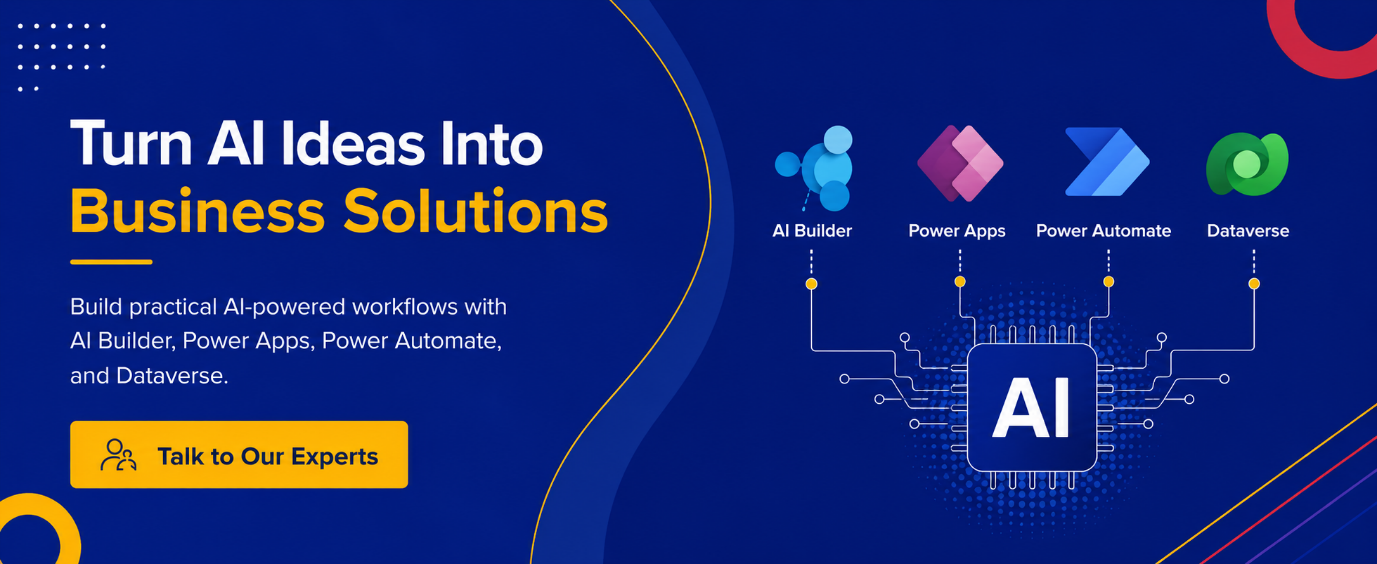
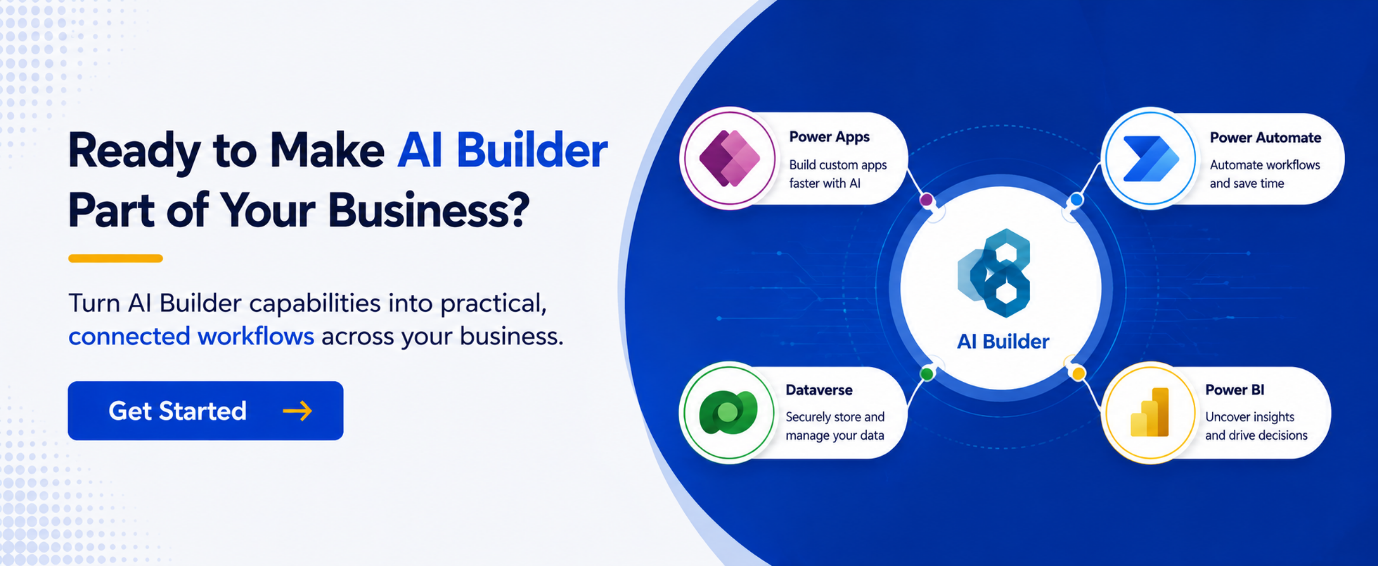
Because AI Builder works with Power Apps, Power Automate, and Dataverse, organizations can embed AI into applications and workflows they already use. This makes it particularly relevant for businesses looking to automate repetitive work while keeping AI connected to operational data.
Key Takeaways
- Microsoft AI Builder provides prebuilt and custom AI capabilities.
- AI models can process documents, text, images, and structured data.
- AI Builder prompts can work with business-specific information.
- Power Apps and Power Automate make it possible to use AI outputs in business processes.
- Data quality, governance, security, licensing, and model performance should be considered before deployment.
- AI Builder can extend Dynamics 365 and Power Platform solutions with practical automation.
What Is Microsoft AI Builder?
AI Builder is a low-code AI capability within Microsoft Power Platform. It enables users to create or use AI models without requiring advanced programming or data science skills.
Businesses can choose between prebuilt models and custom models.
Prebuilt models are designed for common scenarios such as invoice processing, receipt processing, sentiment analysis, text recognition, language detection, entity extraction, and translation.
Custom models allow organizations to train AI against their own business data for scenarios such as prediction, document processing, category classification, entity extraction, and object detection.
The distinction is important. A prebuilt model can accelerate a common requirement, while a custom model is more appropriate when the business process depends on organization-specific data or rules.
How Does AI Builder Work?
The AI Builder process generally follows a simple lifecycle:
- Identify the business scenario: Determine which manual or repetitive task could benefit from AI.
- Select the model: Choose an appropriate prebuilt model or create a custom model.
- Connect the data: Provide the documents, text, images, or structured information required.
- Train and evaluate: Custom models are trained and evaluated before deployment.
- Publish the model: Make the approved model available for business use.
- Connect it to a process: Use the model through Power Apps or Power Automate.
This approach allows organizations to start with a focused use case instead of attempting a large-scale AI transformation immediately.
For companies already investing in Power Platform consulting, AI Builder can therefore become another capability within the broader application and automation strategy.
What AI Models Does AI Builder Support?
AI Builder covers several categories of business requirements.
Document Intelligence
Document processing can extract information from business documents and reduce manual data entry. Invoice processing, receipt processing, contract processing, business card reading, and ID recognition are examples of scenarios supported through AI capabilities.
Consider an accounts payable process. Instead of asking an employee to manually read every invoice and enter supplier, amount, and invoice information, an AI model can extract relevant fields and pass them into an automated approval workflow.
Text Analysis
AI Builder can analyze text for sentiment, categories, entities, key phrases, language, and other characteristics.
A customer service organization, for example, could classify incoming messages before routing them to the appropriate team. Sales teams could also use AI to summarize or categorize information associated with customer interactions.
When these capabilities are incorporated into Dynamics 365 CRM thru Dynamics CRM development services, AI can become part of the CRM workflow rather than remaining a separate experiment. This allows organizations to connect AI Builder with existing CRM processes, data, and automation.
Prediction and Image Processing
Custom prediction models can identify patterns in structured data. Image-based capabilities can support object detection and text recognition.
The best use case depends on the business problem. AI should be introduced where its output can reduce manual effort, improve consistency, or help employees make better decisions.
How Do AI Builder Prompts Work?
AI Builder also supports prompts that allow users to instruct generative AI to perform specific tasks.
A prompt can contain an instruction, business context, and inputs such as text, documents, or images. Supported business data can also be used to ground responses.
For example, a business could create a prompt that summarizes an account record, classifies an incoming message, extracts information from a document, or prepares structured output for a workflow.
AI Builder supports JSON output for scenarios where individual values need to be passed into subsequent actions. This is particularly useful when an AI response needs to trigger several downstream steps.
Power Platform development services can help organizations connect AI Builder prompts with Power Apps, Dataverse data, Power Automate workflows, and existing business systems.
What Are the Business Benefits of AI Builder?
AI Builder can provide value in several areas:
Reduced manual work: Repetitive document and text processing can be automated.
Faster processing: AI can extract and classify information without requiring employees to review every item manually.
Better consistency: Automated processing can reduce variations caused by manual data entry.
Connected automation: AI results can trigger actions through Power Automate.
Improved applications: Power Apps can use AI capabilities directly within business applications.
Accessible AI: Low-code tools make AI more approachable for business and technical teams.
However, AI Builder should not be viewed simply as an automation shortcut. The quality of the underlying process and data still determines how valuable the resulting solution will be.
What Should You Consider Before Implementing AI Builder?
A successful AI implementation requires more than selecting a model.
Data Quality
Custom models depend on suitable training data. Inconsistent, incomplete, or poorly structured information can affect model performance.
Security and Governance
Organizations should define who can access models, prompts, applications, and underlying business data. Dataverse security, environment management, and data loss prevention policies should be considered as part of the architecture.
Performance
Custom models should be evaluated before being introduced into critical processes. Organizations should also monitor results and retrain models where supported as business data changes.
Licensing and Capacity
AI Builder usage involves capacity and credit considerations. Organizations should understand consumption requirements before moving a solution into production.
Scalability
A model that works for a small departmental process may require additional architecture when deployed across multiple teams or environments.
For organizations managing larger CRM environments, Dynamics 365 professional services can help address the wider application, integration, and implementation considerations surrounding AI adoption.
How Can AI Builder Work With Dynamics 365?
One of the strongest opportunities is connecting AI capabilities with existing Dynamics 365 processes.
For example, AI could process information arriving through email, classify customer requests, summarize records, extract information from documents, or trigger automated actions based on business conditions.
A sales team could use AI to process customer information while a service team could classify incoming requests. Operations teams could also connect AI-powered workflows to process project information, automate administrative tasks, and support processes within Dynamics 365 project operations.
This creates a broader model of AI adoption where intelligence becomes part of existing business applications rather than another standalone tool.
Organizations with limited internal technical capacity may also evaluate Power Platform outsourcing when they need specialized expertise for development, integration, or ongoing enhancement.
When Should a Business Use AI Builder?
AI Builder is particularly useful when:
- A process involves large volumes of repetitive information.
- Employees spend significant time reading or entering documents.
- Text needs to be classified, summarized, or analyzed.
- Existing Power Apps or Power Automate solutions could benefit from AI.
- The organization wants to introduce AI incrementally.
- Business data already exists in Dataverse or connected systems.
It may not be the right solution for every AI requirement. Highly specialized machine learning scenarios, extremely complex data science requirements, or use cases requiring extensive custom infrastructure may require other technologies.
The decision should therefore be based on the business requirement rather than the availability of a particular AI feature.
Frequently Asked Questions
Is Microsoft AI Builder a no-code tool?
AI Builder is designed as a low-code capability. Users can create and use many AI scenarios without traditional programming, although more complex implementations may still require Power Apps, Power Automate, Dataverse, or development expertise.
What is the difference between prebuilt and custom AI Builder models?
Prebuilt models are ready for common scenarios, while custom models are configured and trained using business-specific data. The appropriate choice depends on the complexity and specificity of the requirement.
How can Power Platform development services help with AI Builder?
Power Platform development services can connect AI Builder with Power Apps, Power Automate, Dataverse, and Dynamics 365 to automate tasks and workflows. This helps businesses turn individual AI use cases into connected business processes.
Can AI Builder be used with Dynamics 365?
Yes. AI Builder can work with Dynamics 365 to automate tasks involving customer data, documents, and text. It can also trigger Power Automate workflows, helping businesses add AI to existing processes.
Can AI Builder work with Power Apps?
Yes. AI Builder models can be used within Power Apps to bring AI capabilities directly into business applications.
Can AI Builder be used with Power Automate?
Yes. AI Builder models and prompts can be incorporated into Power Automate flows, allowing AI outputs to trigger subsequent business actions.
Does AI Builder require Dataverse?
AI Builder relies on Microsoft Power Platform capabilities and many scenarios require Dataverse. The exact requirements depend on the model and implementation scenario.
Is AI Builder suitable for enterprise AI projects?
AI Builder can be suitable for enterprise scenarios, particularly where organizations want to embed AI into Power Platform and Dynamics 365 processes. Enterprise deployments should include appropriate governance, security, capacity planning, and lifecycle management.
Bringing AI Builder Into Real Business Processes
Microsoft AI Builder provides a practical way to introduce AI into everyday business processes. Its combination of prebuilt models, custom models, prompts, Power Apps, Power Automate, and Dataverse allows organizations to move from isolated AI experiments toward connected business automation.
The real value comes from identifying the right process, preparing reliable data, and integrating AI into the systems employees already use.
For organizations that need additional expertise, Inogic can help connect AI Builder with Dynamics 365 and Power Platform solutions, from implementation and customization to broader development requirements. Depending on the project, organizations may partner with a Power Platform outsource company for end-to-end expertise or choose a specialized Power Platform outsource service to handle specific development, integration, or support requirements.
The goal is not simply to add AI. It is to make existing business processes more intelligent, connected, and efficient.