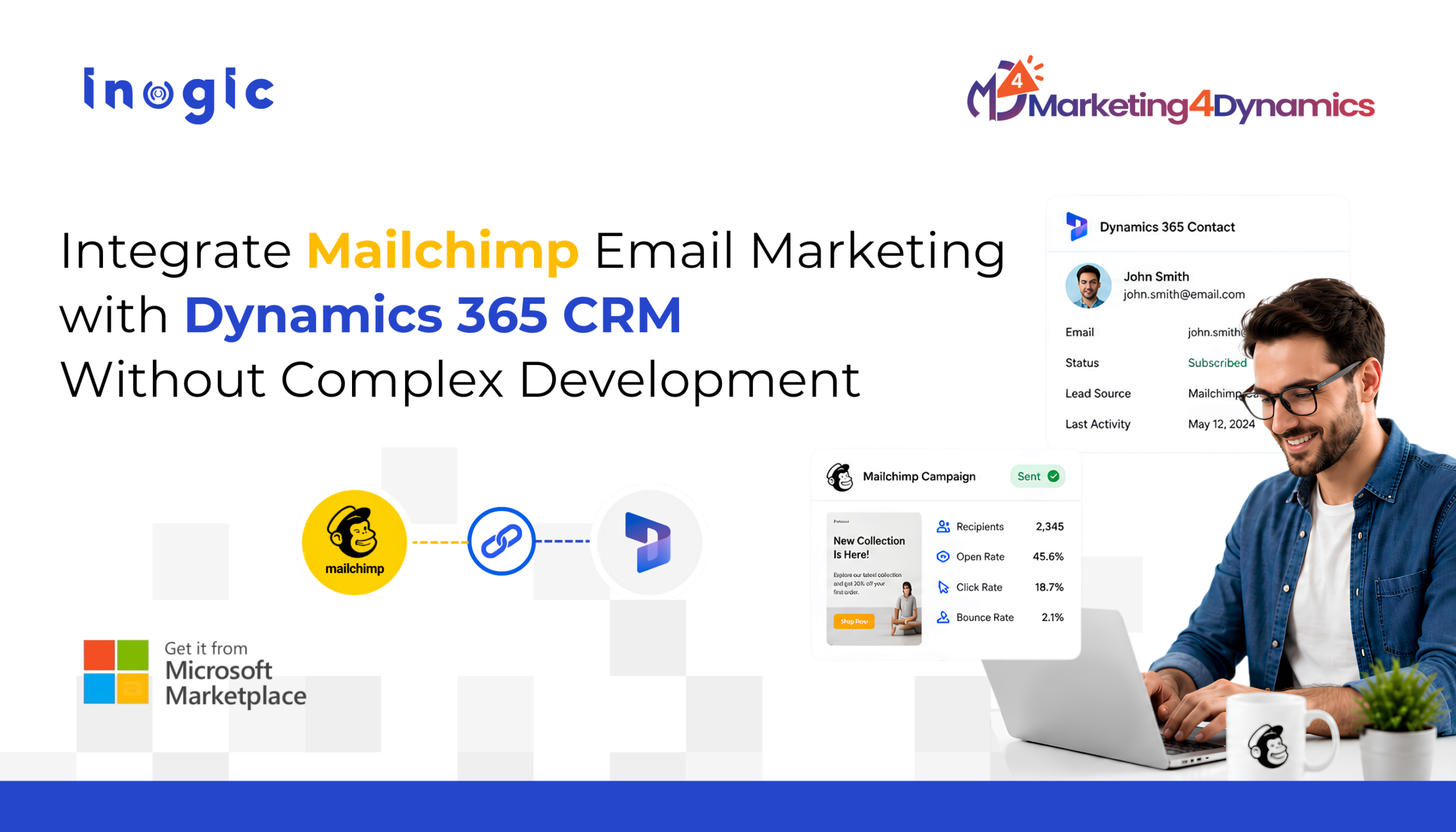
 Many businesses use Mailchimp for email marketing and Dynamics 365 CRM for managing customer relationships. However, without Mailchimp Microsoft Dynamics 365 integration, these platforms often operate independently, leaving marketing and sales teams working with disconnected data, outdated contact lists, and limited visibility into customer engagement.
As a result, marketing teams may struggle to target the right audiences, while sales teams lack insight into campaign interactions that could help prioritize leads.
Mailchimp integration with Dynamics 365 helps bridge this gap by synchronizing contacts, campaign activity, and engagement data across both platforms.In this guide, we’ll explore how businesses can connect Mailchimp and Dynamics 365 CRM without complex development using Marketing4Dynamics.
Key Takeaways
- Connect Mailchimp and Dynamics 365 CRM without custom development or complex APIs.
- Automatically synchronize contacts, marketing lists, and campaign engagement data.
- Give sales teams visibility into email opens, clicks, and subscriber activity directly within Dynamics 365.
- Reduce manual imports and improve data consistency across marketing and CRM systems.
- Improve collaboration between marketing and sales teams with centralized customer insights.
- Deploy a ready-to-use integration faster than building and maintaining a custom solution.
Key Features to Look for in Mailchimp Dynamics 365 Integration?
Not all integration solutions provide the same level of functionality. Businesses should look for a Dynamics CRM Mailchimp connector that improves customer visibility while simplifying marketing operations.
Automatic Contact Synchronization
A good integration solution should automatically synchronize contacts and marketing lists between Mailchimp and Dynamics 365 CRM.
This helps businesses maintain updated customer data without manual work.
Campaign Tracking Inside Dynamics 365
One of the biggest benefits of Mailchimp email marketing with Dynamics 365 is the ability to view campaign engagement directly inside CRM.
This can include:
- Email opens
- Link clicks
- Bounces
- Unsubscribes
- Campaign responses
This visibility helps sales teams identify engaged leads more effectively.
Reduced Manual Work
Without integration, teams often spend time importing CSV files and updating lists manually.
A ready-to-use integration solution helps automate repetitive tasks and improve operational efficiency.
How to Set Up Mailchimp Dynamics 365 Integration Using Marketing4Dynamics
Mailchimp integration with Dynamics 365 simplifies the process of connecting your email marketing and CRM data, allowing teams to manage customer information and campaign activities from a centralized environment.
Watch how Marketing4Dynamics simplifies Mailchimp Dynamics 365 integration:
Step 1: Install Marketing4Dynamics
Install Marketing4Dynamics inside your Dynamics 365 environment.
Unlike custom integrations, businesses do not need to:
- Build APIs
- Manage middleware
- Handle ongoing development maintenance
This makes deployment faster and easier.
Step 2: Connect Your Mailchimp Account
After installation, securely connect your Mailchimp account with Dynamics 365 CRM.
The setup process typically includes:
- Mailchimp authentication
- Access authorization
- Selecting synchronization preferences
This allows businesses to integrate Mailchimp with Dynamics 365 quickly without relying heavily on technical teams.
Step 3: Configure Synchronization Settings
Choose the data you want to synchronize between Mailchimp and Dynamics 365.
Common options include:
- Contacts
- Leads
- Marketing lists
- Campaign activities
- Customer engagement insights
This ensures sales and marketing teams work with updated information across both platforms.
Step 4: Sync Mailchimp Campaign Data into Dynamics 365
Marketing4Dynamics allows businesses to bring Mailchimp campaign insights directly into Dynamics 365 CRM.
Teams can track:
- Email opens
- Click-through rates
- Campaign responses
- Bounces
- Subscriber activity
inside CRM itself.
This improves campaign visibility while helping businesses make better engagement decisions using Mailchimp email marketing with Dynamics 365.
Step 5: Monitor Campaign Performance and Engagement Inside Dynamics 365
With Marketing4Dynamics, teams can manage marketing activities without constantly switching between platforms.
This helps businesses:
- Improve sales and marketing alignment
- Centralize customer engagement tracking
- Reduce manual effort
- Improve campaign visibility
Why Businesses Choose Marketing4Dynamics for Mailchimp and Dynamics 365 Integration
Access Mailchimp Insights Directly Inside Dynamics 365
Marketing4Dynamics brings Mailchimp campaign data into Dynamics 365 CRM so teams can monitor engagement without leaving CRM.
Automatically Synchronize Contacts and Marketing Lists
Businesses can keep customer and marketing data aligned across both platforms automatically.
Eliminate Manual CSV Imports
Marketing4Dynamics reduces repetitive manual work by automating synchronization processes.
Simplify Mailchimp Email Marketing Management
Teams can manage marketing campaigns, customer engagement, and reporting more efficiently inside Dynamics 365.
Faster Deployment Without Complex Development
Marketing4Dynamics provides a ready-to-use integration approach that reduces the need for extensive development resources.
Conclusion
Managing Mailchimp and Dynamics 365 CRM separately often leads to disconnected customer data, manual processes, and limited visibility into campaign performance.
By integrating the two platforms, businesses can synchronize customer information, improve campaign tracking, and create stronger alignment between sales and marketing teams.
Solutions like Marketing4Dynamics simplify Mailchimp Dynamics 365 integration by providing a ready-to-use approach that reduces implementation complexity while helping teams manage marketing activities more efficiently within Dynamics 365 CRM.
FAQs
How do I integrate Mailchimp with Dynamics 365 CRM?
You can integrate Mailchimp with Dynamics 365 CRM using solutions like Marketing4Dynamics that connect both platforms without requiring custom development, middleware, or complex API configurations.
Does Mailchimp integration with Dynamics 365 support two-way data synchronization?
Yes. Marketing4Dynamics supports two-way data synchronization between Mailchimp and Dynamics 365, helping keep marketing and CRM data aligned.
Does Mailchimp Dynamics 365 integration require coding?
No. Modern integration solutions such as Marketing4Dynamics provide a low-code or no-code setup experience, allowing businesses to connect Mailchimp and Dynamics 365 quickly.
Can Mailchimp campaign activity be tracked inside Dynamics 365?
Yes. Mailchimp campaign data such as email opens, link clicks, bounces, unsubscribes, and engagement activity can be synchronized and viewed directly inside Dynamics 365 CRM.
Can Mailchimp contacts and Dynamics 365 records stay synchronized automatically?
Yes. Businesses can automatically synchronize contacts, leads, and marketing lists between Mailchimp and Dynamics 365 CRM, helping reduce manual updates and data inconsistencies.
What are the benefits of integrating Mailchimp with Dynamics 365 CRM?
Integrating Mailchimp with Dynamics 365 helps centralize customer data, improve sales and marketing alignment, automate data synchronization, track campaign engagement inside CRM, and reduce manual work.