What happens when an important Microsoft Dynamics 365 CRM record disappears, and you realize it weeks or even months later?
For many businesses, recovering historical CRM data isn’t as simple as creating regular backups. Accidental deletions, failed imports, integration issues, and long-term retention requirements can quickly expose gaps in a backup strategy.
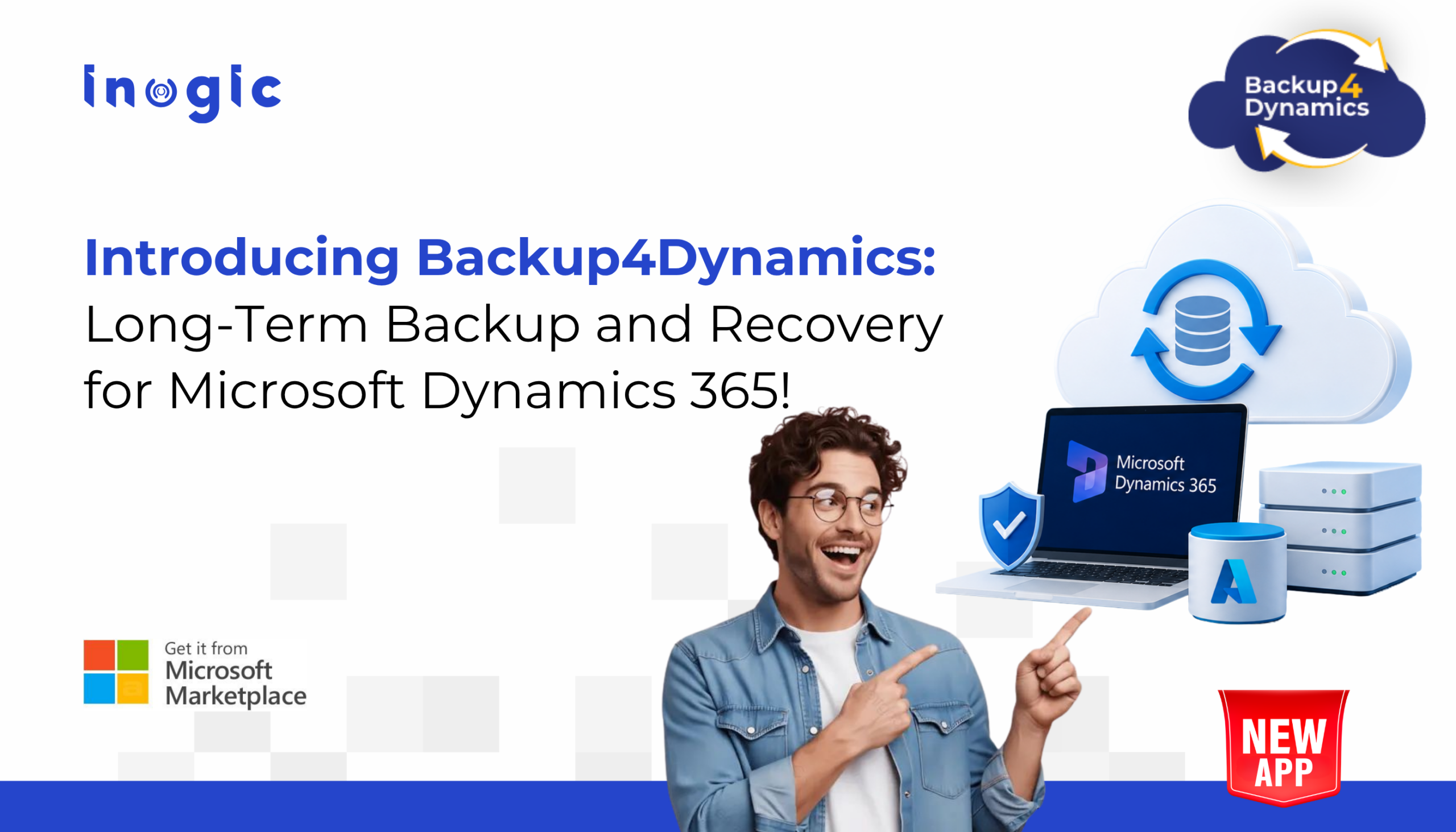
After years of working with Microsoft Dynamics 365 customers, we saw this challenge come up repeatedly. That’s what inspired us to build Backup4Dynamics, a new Inogic app designed to help businesses protect, retain, and recover CRM data with greater confidence.
Key Takeaways
- Meet Backup4Dynamics, Inogic’s backup and recovery solution for Microsoft Dynamics 365 CRM and Dataverse.
- Protect CRM data from accidental deletions, failed imports, data corruption, and other unexpected data loss.
- Automate backups and recover faster with scheduled, on-demand, incremental backups, and record-level restore.
- Retain backup data for the long term while maintaining complete ownership with Bring Your Own Storage (BYOS).
- Join the Backup4Dynamics Insider Program to get exclusive updates, early access opportunities, and product previews before the official launch.
Introducing Backup4Dynamics: The Ultimate Dynamics 365 Backup Solution
Backup4Dynamics is Inogic’s upcoming backup and recovery solution for Microsoft Dynamics 365 CRM and Dataverse, built to help businesses protect, retain, monitor, and recover business-critical CRM data.
As businesses continue to rely on Dynamics 365 for sales, customer service, and day-to-day operations, having a dependable backup strategy is no longer optional. Backup4Dynamics is designed to help you prepare for unexpected situations by giving you greater control over how your CRM data is backed up, retained, and recovered.
From automated backups and flexible retention to granular recovery and customer-owned storage, Backup4Dynamics brings together the capabilities businesses need to build a stronger, more reliable data protection strategy.
Let’s take a closer look at what sets Backup4Dynamics apart.
Why Do Businesses Need a Dedicated Dynamics 365 Backup Strategy?
Backup4Dynamics is built to do more than create backups. It’s designed to help businesses protect, retain, monitor, and recover Microsoft Dynamics 365 CRM data with greater flexibility and control. Every capability is built around the way organizations manage and protect business-critical CRM data.
1. Automated, On-Demand, and Incremental Backups
Schedule backups daily, weekly, or monthly based on your business needs, or create an on-demand backup before deployments, system updates, or bulk imports. Incremental backups capture only new and updated data after the initial backup, helping optimize storage and backup time.
2. Granular Recovery with Record-Level Restore
Recover individual records instead of restoring your entire CRM environment. Backup4Dynamics also supports point-in-time recovery, making it easier to recover data after accidental deletions, failed imports, integration issues, or data corruption.
3. Long-Term Backup Retention
Retain backup data for years or even a lifetime based on your organization’s retention requirements. Whether you need historical CRM data for business continuity, audits, or internal policies, your backups remain available when you need them.
4. Bring Your Own Storage (BYOS)
Keep your backup data in your own Azure Storage account. BYOS gives you greater ownership and control over where your backup data is stored while allowing you to manage your own storage environment.
5. Centralized Backup Monitoring
Monitor backup and restore activities from a single dashboard. View backup history, job status, restore activities, and alerts to stay informed about your backup operations.
Together, these capabilities make Backup4Dynamics a reliable backup and recovery solution for Microsoft Dynamics 365 CRM, giving your business greater confidence in how its data is protected and recovered.
How Backup4Dynamics Helps With Common Dynamics 365 Data-Loss Scenarios?
A backup solution should do more than create copies of your CRM data. It should help you protect business-critical information, recover quickly when issues occur, support business continuity, and maintain control over your backup environment. Backup4Dynamics is built with these priorities in mind.
1. Protect CRM Data from Unexpected Data Loss
Protect Microsoft Dynamics 365 CRM and Dataverse data from accidental deletions, failed imports, data corruption, and other unexpected data loss scenarios.
2. Automate Backup Operations
Schedule backups to run automatically or create on-demand backups before deployments, system updates, or bulk imports, reducing manual effort and helping keep your data protected.
3. Recover Data Faster
Recover individual records or restore data from a specific point in time, reducing downtime, avoiding full environment restores, and supporting business continuity.
4. Maintain Control of Your Backup Data
Store backup data securely in your own Azure Storage account with Bring Your Own Storage (BYOS), giving your organization complete ownership and control.
Backup4Dynamics combines automated backups, flexible recovery, long-term retention, and customer-owned storage to help businesses build a stronger Microsoft Dynamics 365 backup strategy.
Get Ready for Backup4Dynamics
Backup4Dynamics was built with one goal in mind: to give businesses greater confidence in how they protect and recover Microsoft Dynamics 365 CRM data.
From automated backups and long-term retention to granular recovery and customer-owned storage, Backup4Dynamics brings together the capabilities organizations need to build a stronger backup strategy.
We’re excited to introduce Backup4Dynamics to the Microsoft Dynamics 365 community and look forward to sharing more as we get closer to launch.
Be the First to Experience Backup4Dynamics
Don’t wait for the official launch. Join our Insider Program to receive exclusive previews, product updates, and early access opportunities before Backup4Dynamics becomes publicly available.
Frequently Asked Questions (FAQs)
1. What is a Dynamics 365 backup solution?
A Dynamics 365 backup solution helps protect Microsoft Dynamics 365 CRM and Dataverse data by creating recoverable copies of records, attachments, and notes. Backup4Dynamics extends this with automated scheduled backups, on-demand and incremental backups, record-level restore, point-in-time recovery, long-term retention, and Bring Your Own Storage (BYOS).
2. How do you back up Microsoft Dynamics 365 CRM data?
Backup4Dynamics allows administrators to configure automated scheduled backups or create on-demand backups whenever needed. It also supports incremental backups, capturing only new and updated data after the initial backup.
3. How does Backup4Dynamics support Dynamics 365 backup and restore?
Backup4Dynamics supports automated backups along with record-level restore and point-in-time recovery, allowing businesses to recover specific CRM data without restoring the entire environment. This helps reduce downtime caused by accidental deletions, failed imports, integration issues, or data corruption.
4. What data can Backup4Dynamics protect?
Backup4Dynamics protects Microsoft Dynamics 365 CRM and Dataverse records, attachments, and notes, helping businesses retain and recover business-critical CRM data whenever required.
5. Why is long-term backup important for Dynamics 365 data?
This would work particularly well because long-term retention is one of B4D’s differentiators. You can explain that some organizations need access to historical data for audits, business continuity, internal policies, or other retention requirements.
6. Where does Backup4Dynamics store backup data?
Backup4Dynamics supports Bring Your Own Storage (BYOS), allowing organizations to store backup data securely in their own Azure Storage account. This gives businesses greater ownership and control over where their backup data resides.