 At what point does your CRM stop being a customer management system and start becoming a document storage system?
It usually happens gradually. A few contracts get uploaded. Email attachments start accumulating. Teams continue adding proposals, invoices, and notes until Dynamics 365 storage begins taking up more space than expected.
The immediate fix is often buying more storage. But that does not change where documents live or how they are managed.
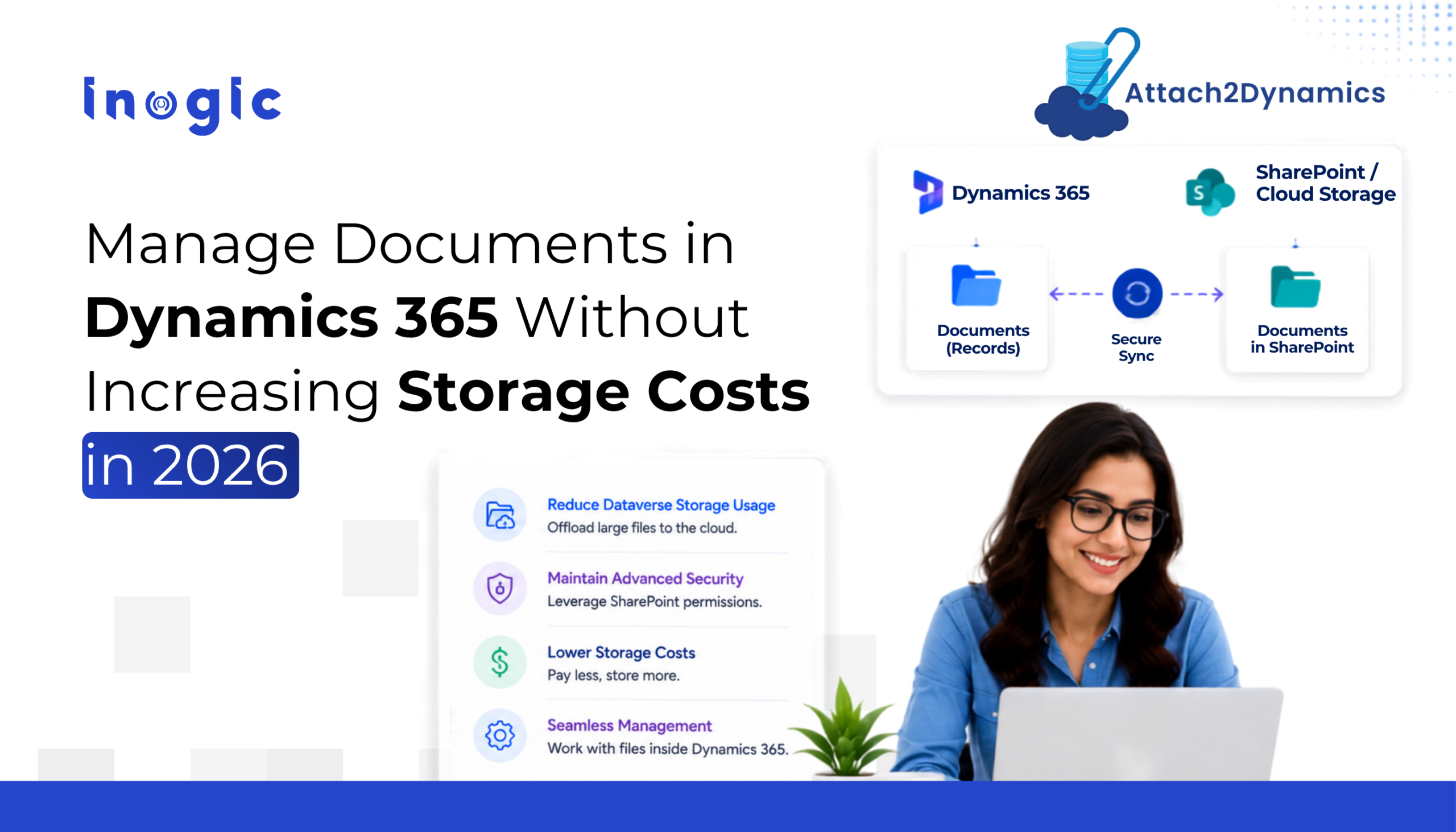
With Attach2Dynamics, you can sync Dynamics 365 attachments to SharePoint (or other supported cloud storage platforms) while allowing users to continue accessing documents directly from Dynamics 365.
Key Takeaways
- Documents and attachments can gradually increase Dynamics 365 storage usage and make document management harder to maintain.
- Attach2Dynamics stores documents in external cloud platforms while keeping document access inside Dynamics 365.
- Teams can continue uploading, accessing, organizing, and managing documents directly from CRM.
- Features such as bulk attachment migration, document search, and email attachment management support growing document volumes.
- By reducing dependency on CRM storage, organizations can build a more scalable approach to document management.
Why Document Management Becomes a Challenge in Dynamics 365
Dynamics 365 works well for managing customer data, but documents introduce a different challenge.
As teams upload proposals, contracts, invoices, notes, and email attachments directly into CRM, storage usage continues to grow alongside customer records.
At first, this may not seem like a problem. But over time, managing a growing volume of documents inside CRM becomes more difficult.
This often leads to challenges such as:
- Rising Dynamics 365 storage usage
- Higher storage costs as document volume grows
- Difficulty managing large volumes of attachments
- Duplicate files across records and systems
- Time spent switching between document locations
- More effort to maintain document accessibility and organization
For many organizations, the challenge is not creating documents. It is keeping them accessible and connected to CRM without relying on Dynamics as long term document storage.
This is where solutions like Attach2Dynamics become useful by allowing organizations to store documents externally while continuing to access and manage them from within Dynamics 365.
So, What Exactly Is Attach2Dynamics?
Attach2Dynamics is a document and attachment management solution for Microsoft Dynamics 365 that helps you store and manage files outside CRM while continuing to work from within Dynamics.
Instead of storing documents directly inside Dynamics 365, Attach2Dynamics connects CRM with external cloud storage platforms such as SharePoint, Azure Blob Storage, and Dropbox. Documents remain linked to the relevant CRM records, so users can continue accessing and managing them without switching platforms.
In simple terms, the process works like this:
Upload document in Dynamics → Store in cloud storage → Access and manage from CRM
From a user’s perspective, the experience stays inside Dynamics 365. But behind the scenes, documents are stored externally rather than consuming CRM storage.
It also allows organizations to sync Dynamics 365 attachments to SharePoint while maintaining document access directly from Dynamics 365.
Want to see how document management can work without increasing CRM storage? Explore Attach2Dynamics and see how it fits into your Dynamics 365 environment.
5 Key Features of Attach2Dynamics for Dynamics 365 CRM Document Management
Attach2Dynamics focuses on helping organizations manage growing document volumes without moving users away from Dynamics 365. Here are some of the capabilities that support that experience:
1. Save Dynamics 365 Storage Space and Reduce Storage Costs
Instead of storing documents directly inside CRM, Attach2Dynamics stores them in connected cloud storage platforms while maintaining access from Dynamics 365. This helps reduce dependency on Dynamics 365 storage as document volume increases.
2. Access and Manage Documents Directly from CRM
Users can continue working from Dynamics 365 while uploading, viewing, organizing, sharing, and managing documents connected to customer records. There is no need to move between multiple systems to access files.
3. Move Historical Attachments in Bulk
Organizations that already store years of attachments inside Dynamics do not need to migrate files manually. Attach2Dynamics supports moving historical attachments in bulk to external storage while keeping them connected to CRM.
4. Improve Document Organization and Search
As document libraries grow, finding the right file becomes more difficult. Attach2Dynamics supports structured document management through folders and search capabilities that help users locate and manage documents more efficiently.
5. Manage Email Attachments More Effectively
Email attachments can quickly increase storage usage inside CRM. Attach2Dynamics helps manage email-related documents through external storage while keeping those files accessible from Dynamics 365.
These features form the foundation for a more efficient and scalable document management experience in Dynamics 365.
What Business Value Does Attach2Dynamics Create?
Managing documents outside CRM is not only about storage. It also changes how teams access, protect, and work with business documents inside Dynamics 365.
Some of the key business benefits of Attach2Dynamics include:
1. Reduce Dependency on Dynamics 365 Storage
As document volume grows, CRM storage can become expensive to maintain. Attach2Dynamics helps reduce storage dependency by moving files to lower cost external storage platforms while keeping them connected to Dynamics records.
2. Keep Documents Accessible Without Leaving CRM
Even when files are stored externally, users can continue accessing and managing documents directly from Dynamics 365 through a familiar working experience.
3. Maintain Better Backup and Document Availability
Storing documents outside CRM helps organizations maintain additional document availability and reduce reliance on CRM storage capacity alone.
4. Improve Control Over Document Access
Different teams often need different levels of document access. Attach2Dynamics supports permission-based document actions so organizations can control who can view, upload, edit, or manage files.
Together, these benefits help organizations manage documents in a way that supports growth while keeping day-to-day work inside Dynamics 365.
Add this video: The Ultimate Cloud Storage UI for Dynamics 365 Users
Who Needs the Ultimate Dynamics 365 CRM Document Management Solution?
Attach2Dynamics is most useful for organizations that work with a large volume of documents inside Dynamics 365 and want to reduce dependency on CRM storage.
It may be a good fit if your teams:
- Regularly upload contracts, proposals, invoices, presentations, or supporting documents into CRM
- Manage large volumes of email attachments connected to customer records
- Need to store documents outside Dynamics while continuing to access them from CRM
- Want better control over document access and management
- Are looking for a more scalable way to handle growing document volumes
Teams that commonly benefit from this approach include sales, customer service, operations, and IT teams that manage document-heavy workflows.
If your Dynamics environment is storing more files than customer information, it may be time to rethink where those documents should live.
Store Less, Access More with Attach2Dynamics
Documents play a big role in customer operations, but storing every file directly inside Dynamics 365 can create cost and management challenges over time.
Attach2Dynamics approaches this differently by allowing you to manage documents from within CRM while storing them in external cloud platforms.
For organizations trying to reduce storage pressure, improve document access, and keep records connected, it offers a practical way to extend how Dynamics 365 handles documents.
Ready to rethink document management in Dynamics 365? Try Attach2Dynamics today.
Download options: Inogic Website | Microsoft Marketplace
FAQs
1. What is the best way to manage documents in Dynamics 365 CRM?
A Dynamics 365 CRM document management solution helps organizations store, organize, and access documents without relying solely on CRM storage. Attach2Dynamics integrates Dynamics 365 with cloud storage platforms like SharePoint, Azure Blob Storage, and Dropbox, allowing users to manage documents directly from Dynamics 365 while files are stored externally.
2. Can I save Dynamics 365 CRM attachments to SharePoint automatically?
Yes. Attach2Dynamics can automatically save Dynamics 365 CRM attachments to SharePoint, keeping documents linked to the appropriate CRM records while reducing Dynamics 365 storage usage. Users can continue accessing and managing those files directly from Dynamics 365.
3. How can I move Dynamics 365 attachments to SharePoint without losing access?
Attach2Dynamics supports bulk migration of existing Dynamics 365 attachments to SharePoint. After the migration, documents remain associated with their respective CRM records, allowing users to continue accessing them from within Dynamics 365.
4. Can I save Outlook attachments to SharePoint from Dynamics 365?
Yes. Attach2Dynamics allows you to save Outlook attachments to SharePoint from Dynamics 365, making it easier to manage email-related documents while reducing the amount of storage consumed within the CRM environment.
5. Does Attach2Dynamics support Dropbox and SharePoint integration with Dynamics 365?
Yes. Attach2Dynamics integrates Dynamics 365 with SharePoint, Dropbox, Azure Blob Storage, and other supported cloud storage platforms. This gives organizations the flexibility to choose where documents are stored while continuing to access them from within Dynamics 365.
6. Can different teams have different levels of document access in Dynamics 365?
Yes. Attach2Dynamics supports permission-based document management, allowing organizations to control who can view, upload, edit, or manage documents based on user roles and access requirements. This helps maintain secure document management across different teams.