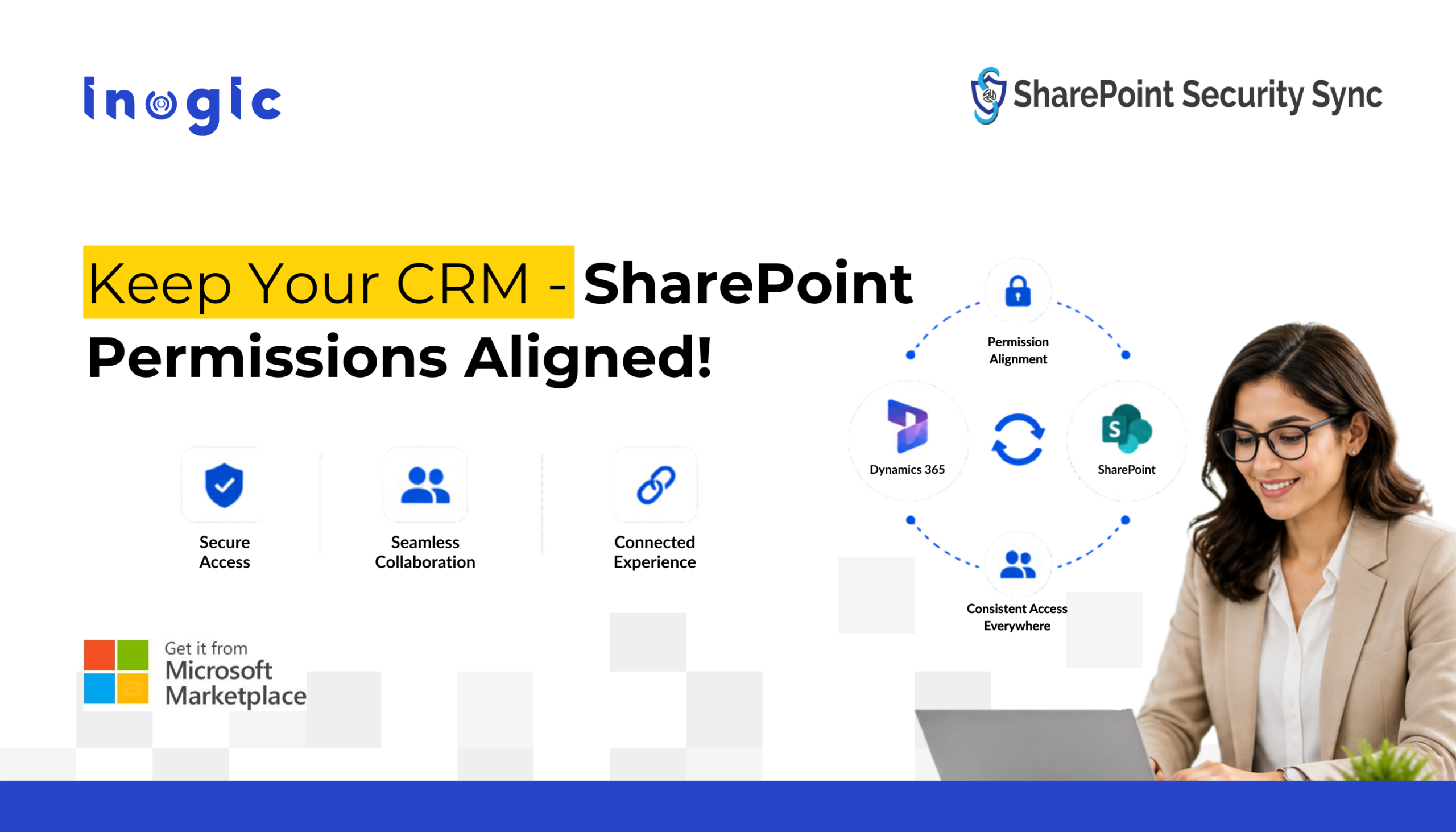
You’ve carefully configured security roles in Dynamics 365 CRM, controlling who can access what, down to the record level. But when you enable SharePoint for document storage, that security model doesn’t follow. Because the native Dynamics 365 SharePoint integration doesn’t synchronize or replicate the Dynamics 365 security model to SharePoint
Suddenly, users who shouldn’t have access can view sensitive documents directly in SharePoint.
This isn’t a bug – it’s a structural gap. And in this guide, we’ll show you why it happens and how to automatically sync Dynamics 365 security roles with SharePoint permissions.
Key Takeaways
- Dynamics 365 and SharePoint use fundamentally different security models; native integration does not synchronize CRM privileges to SharePoint
- This creates a serious access control gap where restricted CRM users can freely access documents they shouldn’t see
- The gap exposes organizations to GDPR, HIPAA, and PCI DSS compliance risks
- SharePoint Security Sync by Inogic automatically replicates Dynamics 365 security roles, teams, and business units to SharePoint folder permissions in real time
- Unlike other tools, it installs directly as a Dynamics 365 solution no VM or Azure credits required
- Automating permissions sync eliminates manual IT overhead and reduces the risk of human error when roles change
Why Dynamics 365 SharePoint Integration Doesn’t Sync Permissions by Default
Dynamics 365 CRM and SharePoint are both Microsoft products, and they integrate well on the surface. But underneath, they run on entirely different security architectures and this difference is the root of the problem.
In Dynamics 365 CRM, access is controlled through a layered model that includes security roles, business unit hierarchies, teams, and record-level sharing. A salesperson might only have access to accounts they own. A manager might see their entire team’s records. These permissions are granular, logic-driven, and enforced at the record level.
SharePoint, on the other hand, manages access through its own permission levels, Owner, Member, and Visitor applied at the site, library, or folder level. It has no awareness of Dynamics 365 records, roles, or hierarchies.
When you enable the native Dynamics 365 SharePoint integration, documents associated with CRM records are moved to SharePoint for storage. The link back to the CRM record is maintained, but the permissions are not. SharePoint simply doesn’t know or enforce who should and shouldn’t see a given document based on CRM logic.
The result is that a sales rep restricted to their own accounts in Dynamics 365 CRM can open SharePoint directly and browse documents belonging to every account in the organization. Your CRM security model stops at the CRM boundary and SharePoint operates independently.
How to Sync Dynamics 365 Security Model to SharePoint Automatically
Closing the permissions gap requires a solution that understands both security models and keeps them in sync in real time. That’s exactly what SharePoint Security Sync by Inogic is built to do.
SharePoint Security Sync helps organizations synchronize the Dynamics CRM security model with SharePoint automatically. The app replicates the Dynamics 365 security model to SharePoint permissions in real time, ensuring document-level access control remains aligned across both platforms.
Since Dynamics 365 CRM runs on Microsoft Dataverse, organizations often assume SharePoint permissions automatically follow Dataverse security roles. In reality, native integration does not provide SharePoint Dataverse permission sync, creating a security gap between CRM records and SharePoint documents.

What SharePoint Security Sync Does
SharePoint Security Sync is a Microsoft-certified app that installs directly inside Dynamics 365 CRM as a solution no external services, no virtual machines, and no Azure credits required. It automatically mirrors your Dynamics 365 security model to SharePoint, ensuring that every document stored in SharePoint is accessible only to users who have the corresponding CRM permissions.
Any time a security role, team membership, record ownership, or business unit changes in Dynamics 365 CRM, SharePoint Security Sync detects the change and updates SharePoint folder permissions in real time, with no manual intervention required.
How It Works
The process is straightforward:
- CRM permissions are defined: Security roles, record ownership, team assignments, and business unit hierarchies are configured in Dynamics 365 CRM as usual.
- SharePoint Security Sync reads the CRM model: The app maps CRM users, roles, and records to corresponding SharePoint folders and groups.
- SharePoint permissions are set and maintained automatically: Folder-level permissions in SharePoint are created and updated to match the CRM model exactly. When anything changes in CRM, SharePoint follows.
Key Capabilities
- Real-time permission sync: SharePoint permissions update automatically whenever CRM roles or record access changes
- Custom folder structures: Create document library hierarchies in SharePoint based on CRM entities, ownership, or business units
- Multiple SharePoint site support: Connect and manage permissions across more than one SharePoint site from a single Dynamics 365 instance
- Bulk migration: Move existing CRM attachments to SharePoint in bulk while applying the correct permissions from day one
- Role-based access control: Ensure document access is restricted, auditable, and aligned with data protection requirements
- Aligned Metadata: Sync SharePoint Metadata to keep your documents organized and improve searchability.
- Aligned Metadata: Sync and map Dynamics 365 CRM metadata with SharePoint columns automatically. This Dynamics 365 SharePoint metadata mapping capability keeps documents searchable, categorized, and consistently organized across SharePoint libraries.
What Gets Synced: Replicating the Dynamics 365 Security Model in SharePoint
| Dynamics 365 CRM | SharePoint |
| Security Role | Permission Level |
| Record Owner | Folder Owner |
| CRM Team | SharePoint Group |
| Business Unit | Site / Sub-folder |
| Record Sharing | Explicit Folder Permission |
This one-to-one mapping means there are no gaps, no manual translations, and no guesswork. What a user can access in CRM is exactly what they can access in SharePoint, nothing more.
Who Should Use SharePoint Security Sync?
CRM administrators managing organizations with multiple security roles and sensitive customer documents will find the most immediate value. If you’ve ever had to manually update SharePoint permissions after a role change, this eliminates that process entirely.
IT security and compliance leads responsible for GDPR, HIPAA, or PCI DSS adherence need demonstrable, auditable access control across all systems. SharePoint Security Sync provides that alignment automatically.
Operations and IT managers dealing with frequent team changes, employee onboarding and offboarding, or growing document volumes will benefit from eliminating the manual overhead of keeping two systems in sync.
Automating the Synchronization of Dynamics 365 Security Model to SharePoint for Document Security
The native Dynamics 365 SharePoint integration is a powerful starting point for document management, but it leaves a critical security gap that organizations can’t afford to ignore. Syncing your Dynamics CRM security model to SharePoint doesn’t have to be a manual, error-prone process.
SharePoint Security Sync by Inogic closes the gap automatically, keeping your SharePoint privileges aligned with your Dynamics 365 security roles at all times so your document security is always as strong as your CRM security.
Start your free trial of SharePoint Security Sync from Inogic website or Microsoft Marketplace and eliminate manual permission management between Dynamics 365 and SharePoint.
Want a guided walkthrough? Contact our experts at crm@inogic.com or schedule a demo.
Frequently Asked Questions
Why are Dynamics 365 security roles not applying to SharePoint documents?
Native Dynamics 365 SharePoint integration stores documents in SharePoint but does not synchronize Dynamics CRM security roles, record ownership, or business unit permissions with SharePoint. As a result, users may access SharePoint documents they cannot access inside Dynamics 365 CRM.
How do you sync the Dynamics 365 security model with SharePoint permissions automatically?
Organizations typically use a Dynamics 365 SharePoint permission synchronization solution that replicates the Dynamics CRM security model — including security roles, teams, business units, and record ownership — directly to SharePoint folder permissions in real time. This keeps CRM and SharePoint permissions aligned automatically.
Can SharePoint inherit Dynamics 365 record-level security by default?
No. SharePoint does not natively understand Dynamics 365 record-level security, hierarchy-based access, or CRM sharing rules. To make SharePoint respect Dynamics 365 security roles and access control, organizations need an automated synchronization solution or custom development approach.
What is the best way to prevent unauthorized SharePoint document access in Dynamics 365 integrations?
The most effective approach is implementing automated SharePoint permission synchronization that updates SharePoint folder security whenever Dynamics 365 roles, ownership, teams, or business units change. This prevents document leakage and ensures confidential files follow CRM access rules.
Can Power Automate handle Dynamics 365 SharePoint permission synchronization?
Power Automate can support basic workflows, but synchronizing the complete Dynamics 365 security model with SharePoint, including record ownership, business units, teams, and hierarchy-based permissions, usually requires significant custom development and ongoing maintenance. Many organizations instead use dedicated no-code SharePoint security synchronization tools for Dynamics 365.