CRM systems contain valuable customer data, but data alone doesn’t tell users what to do next. Sales representatives, service agents, and account managers still need to decide which customer to engage, when to follow up, and what action is most likely to drive results.
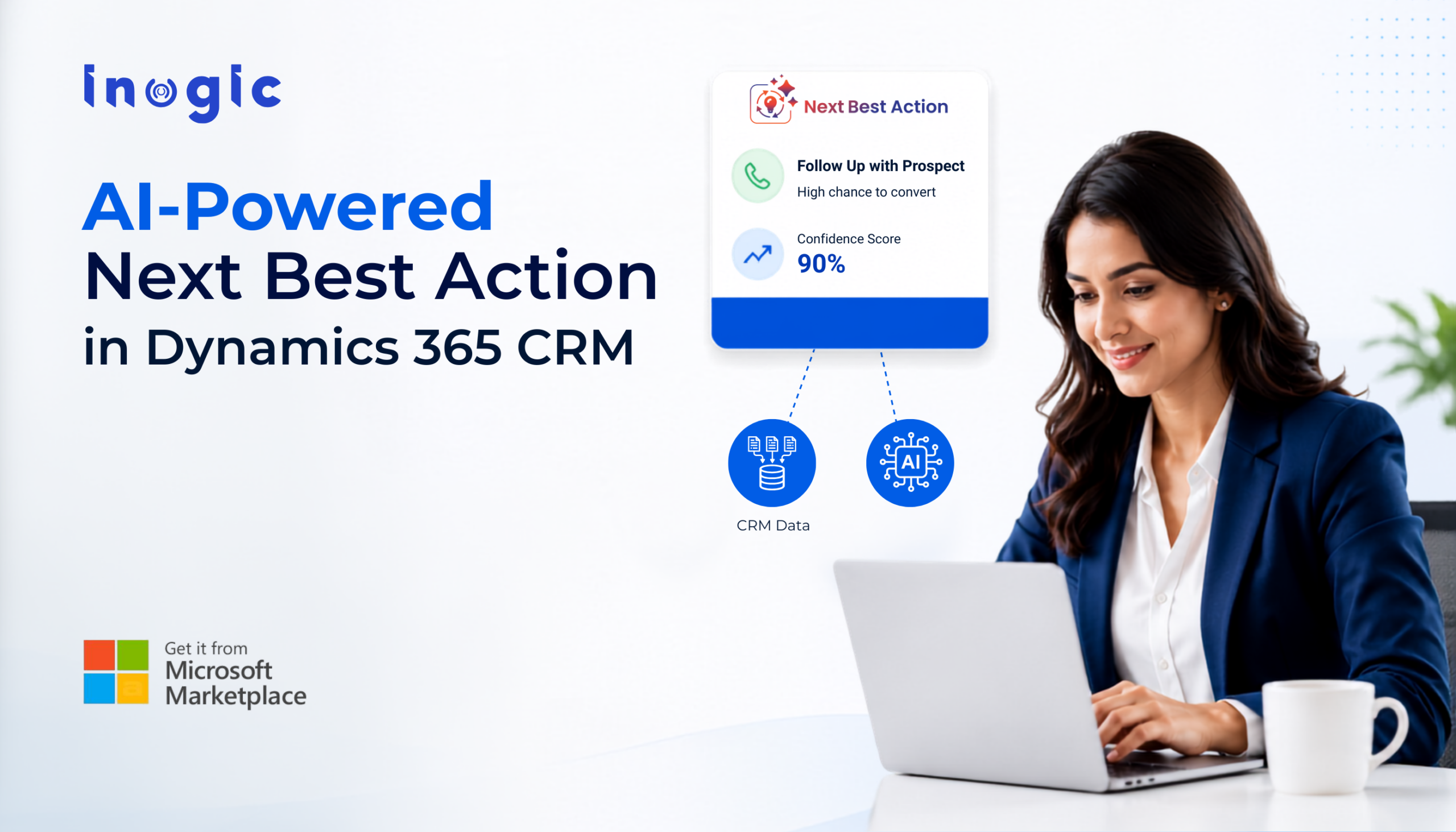
Next Best Action for Microsoft Dynamics 365 uses AI to analyze CRM data, historical outcomes, customer engagement, and activity patterns to recommend the most effective next step directly within Dynamics 365.
The growing demand for AI-powered guidance in CRM has led organizations to ask important questions about how Next Best Action works, what business problems it solves, and how it improves outcomes in Microsoft Dynamics 365.
Below, we answer the most common questions CRM users, administrators, sales leaders, and customer service teams have about Next Best Action.
Why Do Dynamics 365 CRM Users Struggle to Identify the Right Next Step?
Most CRM users manage hundreds of records, activities, emails, and meetings simultaneously. While dashboards provide visibility, they do not indicate which action is most likely to improve conversion rates, customer satisfaction, or case resolution.
As a result, teams often rely on intuition, leading to missed follow-ups, delayed responses, and inconsistent execution.
What Is AI-Powered Next Best Action in Microsoft Dynamics 365 CRM?
Next Best Action is an AI-driven recommendation capability that identifies the action most likely to help achieve a predefined business outcome.
The recommendation is generated using historical CRM data, activity history, engagement signals, and success criteria configured within Dynamics 365.
Examples include:
- Following up on a proposal
- Scheduling a customer meeting
- Sending a re-engagement email
- Escalating a support case
- Calling a high-priority prospect
How Does Next Best Action Analyze Dynamics 365 CRM Data?
The solution analyzes data from:
- Standard Dynamics 365 entities
- Custom Dataverse entities
- Emails
- Phone calls
- Appointments
- Record status changes
- Historical outcomes
The AI model identifies patterns associated with successful records and uses those patterns to generate future recommendations.
For example, if opportunities that received a follow-up call within 48 hours of a demo had a higher win rate, the system can recommend similar actions for active opportunities.
Why Are Traditional CRM Tasks and Workflows Not Enough?
Traditional workflows operate using predefined rules.
For example:
“If no activity is logged for seven days, create a task.”
While useful, these rules cannot evaluate customer engagement, historical success patterns, or current context.
Next Best Action uses machine learning to generate recommendations dynamically based on real-time CRM conditions rather than static logic.
How Does Next Best Action Help Sales Teams Prioritize Leads in Dynamics 365?
Not all leads have the same probability of conversion.
Next Best Action evaluates engagement signals, activity history, and historical qualification patterns to identify which leads deserve immediate attention.
This enables sales teams to focus on opportunities with the highest likelihood of progressing through the pipeline.
Can Next Best Action Help Sales Teams Close More Opportunities?
Yes.
The solution identifies actions commonly associated with successful opportunities and recommends them at the appropriate stage of the sales process.
Examples include:
- Scheduling product demonstrations
- Sending proposals
- Following up after meetings
- Re-engaging inactive prospects
This helps sales teams replicate proven success patterns rather than relying solely on experience or intuition.
How Does AI Detect Stalled Opportunities in Dynamics 365 CRM?
The system continuously monitors engagement and activity trends.
When inactivity thresholds, declining engagement, or missing follow-up activities are detected, Next Best Action generates recommendations to re-engage the opportunity before momentum is lost.
This helps reduce pipeline leakage and improve conversion rates.
How Can Customer Service Teams Use Next Best Action in Dynamics 365?
Customer service teams can use Next Best Action to proactively address issues that may impact customer satisfaction or SLA compliance.
Recommendations may include:
- Escalating a case
- Scheduling a customer callback
- Sending a status update
- Assigning a specialist
This helps agents focus on the actions most likely to improve resolution outcomes.
How Does Next Best Action Help Prevent SLA Breaches in CRM?
The solution monitors service-related signals such as inactivity, aging cases, and approaching deadlines.
When potential SLA risks are identified, AI-generated recommendations are surfaced to help agents take corrective action before service commitments are missed.
What Are Context-Aware Recommendations in Microsoft Dynamics 365?
Context-aware recommendations are generated using the current state of a CRM record.
The AI considers factors such as:
- Record status
- Activity history
- Related records
- Customer engagement
- Historical outcomes
This ensures recommendations remain relevant to the specific situation rather than applying generic guidance.
How Does Explainable AI Improve Trust in CRM Recommendations?
Many AI systems provide recommendations without explaining their reasoning.
Next Best Action includes Explainable AI capabilities that answer three questions:
- What action should be taken?
- Why is the action recommended?
- What goal will the action help achieve?
This transparency enables users to understand and validate recommendations before taking action.
How Do Confidence Scores Help Dynamics 365 Users Prioritize Activities?
Every recommendation includes a confidence score that reflects how strongly the AI model believes the suggested action aligns with successful historical patterns.
Higher confidence scores indicate greater predictive certainty and help users prioritize activities more effectively.
How Does Optimal Timing Prediction Improve Customer Engagement?
The effectiveness of an activity often depends on timing.
Next Best Action analyzes historical interaction patterns to determine when customers are most likely to engage.
For example, if a prospect consistently responds to emails sent on Tuesday mornings, the system can recommend that timeframe for future outreach.
This improves response rates and engagement effectiveness.
What Is a Next Best Action Activity Card in Dynamics 365 CRM?
Activity Cards provide users with actionable recommendations directly within CRM forms.
Each card contains:
- Recommended action
- Related record information
- Priority level
- Confidence score
- Due date
- Activity type
- Recommendation rationale
Users can act on recommendations without leaving the record they are currently working on.
How Does the Next Best Action Timeline Improve CRM Visibility?
The Next Best Action Timeline provides a chronological view of recommendations and user actions.
Teams can track:
- When recommendations were generated
- Which actions were completed
- Which recommendations were dismissed
- What actions contributed to outcomes
This creates greater visibility into customer engagement and decision-making processes.
How Does a Next Best Action Digest Help Dynamics 365 Users Stay Productive?
The Next Best Action Digest delivers a daily or weekly summary of AI-generated recommendations.
Instead of manually reviewing records across the CRM, users receive a prioritized list of recommended activities based on urgency, confidence, and business impact.
This helps users focus on the most important work first.
Can Next Best Action Be Configured for Custom Entities in Dynamics 365 and Dataverse?
Yes.
Organizations can configure Next Best Action for both standard and custom entities.
Administrators can define:
- Success criteria
- Training data scope
- Relevant fields
- Related entities
- Activity types
This flexibility allows recommendations to align with unique business processes and operational requirements.
How Does Next Best Action Learn From Historical CRM Outcomes?
During model training, the AI analyzes records that meet predefined success criteria.
Examples include:
- Qualified leads
- Won opportunities
- Resolved cases
- Successful customer engagements
The model identifies patterns that contributed to those outcomes and applies those insights when generating future recommendations.
Next Best Action transforms Dynamics 365 from a system of record into a system of intelligent guidance by providing context-aware recommendations, explainable AI insights, confidence scoring, optimal timing predictions, and proactive activity suggestions.
Experience Next Best Action with a 15-day free trial from the Inogic website or Microsoft Marketplace.
Contact us at crm@inogic.com and bring AI-driven decision-making into your CRM.